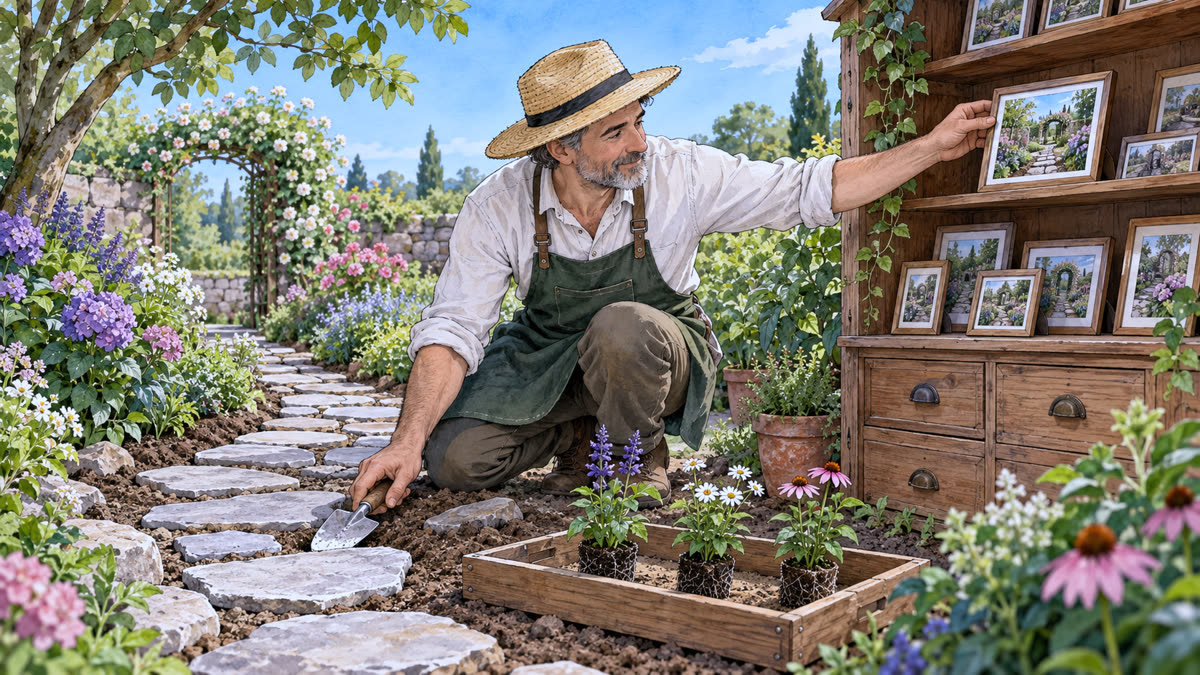
In the garden
You plant, pull things out, and make a stone path. Then you put only what you want to show on the tray and take a photo, which goes into the photo cabinet.
In practice
There are three places: the working tree (where you edit), the staging area (the tray with what will go into the photo), and the local history (the cabinet with the photos, or commits).
git add puts changes on the tray. git commit takes a photo of what is on the tray and saves it with a note. git status shows what has changed and what is already on the tray at any time.
Commands
git status  # what changed?
git add .  # put everything on the tray
git commit -m "Add the path"  # take photo B
Tip: A commit does not send anything to anyone. It saves only on your computer.