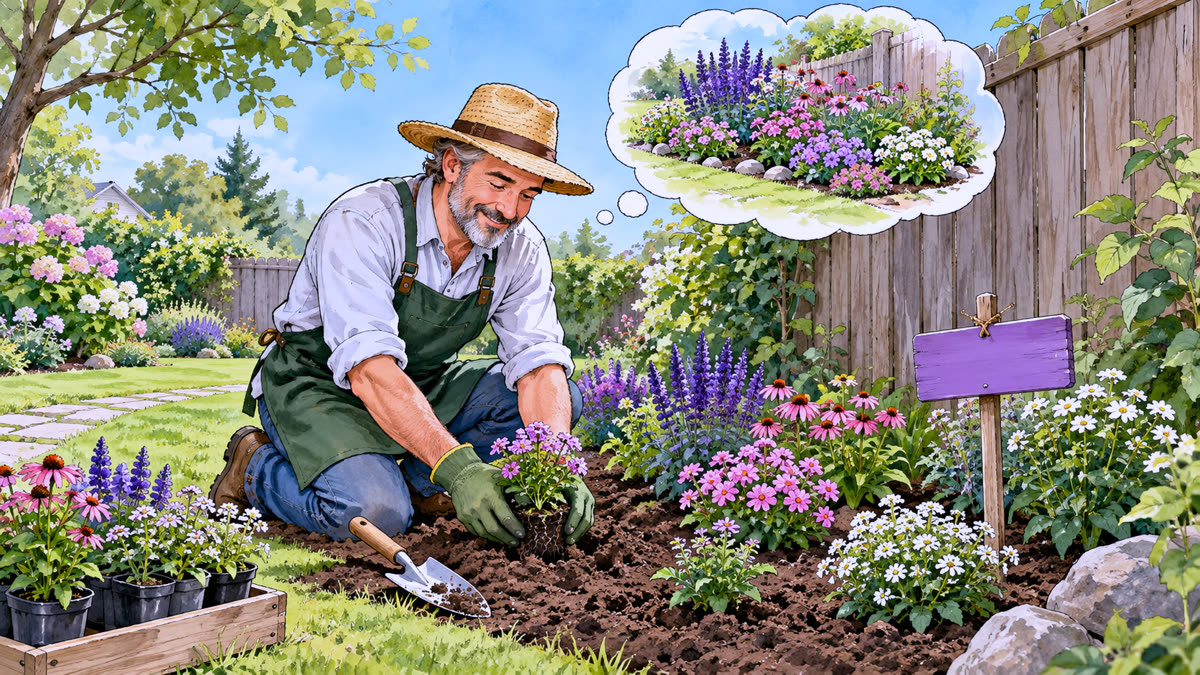
In the garden
You get an idea for a flower bed. Instead of risking the main garden, you hang up a new label, flowers, and work on it.
In practice
A branch is just a name that points to a commit. When you make a new commit, the branch you are on moves along with it. The others stay put.
HEAD shows where you are working now. With git switch -c flowers, you create the flowers branch and switch to it. If the idea does not work out, go back to main with git switch main.
Commands
git switch -c flowers  # create the flowers label and switch to it
git add . && git commit -m "Flowers (1)"  # commit D
git commit -am "More flowers (2)"  # commit E
Tip: HEAD → flowers means: the next commits will go to the flowers branch.