Kit + guide · AI-powered B2B sales
Reach out only when a company is ready to buy
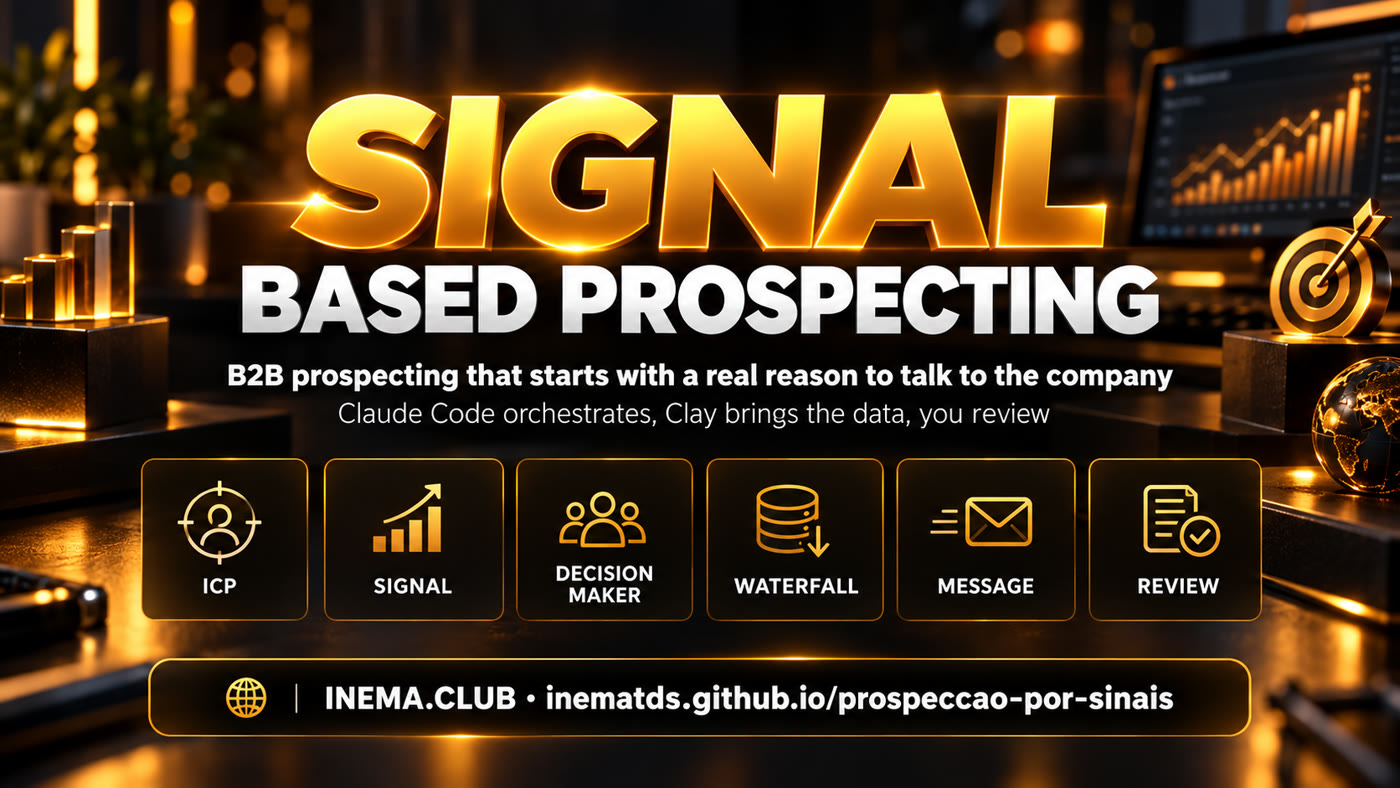
B2B prospecting that starts with a real reason: Claude Code orchestrates, Clay provides the data, and you review it before anything is sent.

B2B prospecting that starts with a real reason: Claude Code orchestrates, Clay provides the data, and you review it before anything is sent.
This free kit is for people who sell to businesses and want to prospect without blasting cold email lists. The idea is to look for signals—public events that suggest a company may need your help now, such as an open role, a product launch, or a new executive—and then find the decision-maker and write a message that mentions that signal. Claude Code does the heavy lifting with Clay (a company and contact data platform) and gives you a spreadsheet to review. You need Claude Code, a Clay account (there’s a free plan and a trial), and an afternoon to fill in your business context.
Traditional prospecting buys a list, sends the same message to everyone, and hopes for the best. Almost no one replies, the domain lands in spam, and the brand gets a reputation for being annoying.
Cold lists without context, generic AI-written messages, dozens of tabs and tools, and emails that go straight to spam.
Prospect based on a signal: first find who has a reason to talk now, then find the right person and talk about that reason.
Clay handles the data problem (companies, jobs, emails). Claude Code handles the tools: you ask in plain language, and it does the work. You review and decide.
Each step filters the one before it. The costly credits (for people and emails) are spent only on companies that passed the signal check.
ICP means ideal customer profile. You define the industry, size, and country; Clay returns companies that fit.
Clay monitors open roles with titles that matter to you. An AI role, for example, can point to an AI project getting started.
An AI agent column reads the company site, blog, and news and answers with a link: has the company launched a new product in recent months?
The people search has a run condition: it runs only for companies with a signal. This is where you save credits.
Several email providers run in sequence; the waterfall stops at the first valid result. Then the email is verified.
Claude Code reads your business files and writes a subject and body that mention the company’s signal, with a simple question and an opt-out.
You review the spreadsheet and only then import it into a sequencer, sending from a warmed-up domain with a low daily volume.
| Term | Meaning |
|---|---|
| Terminal | Your computer’s command window (Terminal on Mac and Linux; PowerShell on Windows). Claude Code runs there. |
| Plugin, marketplace, skill | A plugin teaches Claude Code to use a tool; a marketplace is the catalog it comes from; a skill is a ready-made set of steps inside it (e.g., clay:setup). |
| Credit and action | Clay’s units: credits pay for provider data (email, company, person); actions pay for running steps. |
| Signal | A public event that gives you a reason to talk now (an open role, launch, new executive, investment). |
| Waterfall | Several data providers queried in sequence until one finds the data. |
| CTA | The call to action at the end of the message. Here, always low-key: a simple question. |
| Opt-out | The option to stop: a line explaining how to stop receiving messages. |
| Sequencer | A tool that sends campaign emails gradually and sends reminders (follow-ups). Clay has one; separate tools are also available. |
| Warmed-up secondary domain | An address similar to your company’s (e.g., contact-yourcompany.com) used only for prospecting. It starts by sending a small number of emails and gradually increases, helping email providers trust it. If something goes wrong, your main domain stays protected. |
No programming is required. You’ll type a few commands in the terminal (your computer’s command window).
Anthropic’s assistant that runs in the terminal. You need a paid Claude subscription (see the plans at claude.com/pricing). The Clay plugin requires version 2.1.91 or later. Install it and check:
# install (Mac/Linux)
curl -fsSL https://claude.ai/install.sh | bash
# Windows (PowerShell)
irm https://claude.ai/install.ps1 | iex
# or, if you already have Node.js
npm install -g @anthropic-ai/claude-code
# check the version
claude --version
Official documentation: Claude Code.
git downloads the kit with git clone; without it, download the .zip. Node.js (which includes npx) is only used in the optional signals skill step.
# check whether they’re already installed
git --version
node --version
Free plan (100 credits/month) or a 14-day trial (1,000 credits). You can run the entire workflow at a small scale.
# create your account at
https://www.clay.com
Set aside an afternoon to fill in the 6 files in kit/contexto/ (in Portuguese). Without them, the message will be generic.
# templates + fictional example
kit/contexto/Commands starting with / are entered inside Claude Code. Enter the others in the terminal.
The kit becomes your prospecting project folder. Its CLAUDE.md file tells Claude Code how to behave (don’t spend credits without asking, run 10 rows first, never send anything).
git clone https://github.com/inematds/prospeccao-por-sinais.git
cp -r prospeccao-por-sinais/kit ~/minha-prospeccao
cd ~/minha-prospeccao
claude
No git? Download the .zip, unzip it, copy the kit folder wherever you like, open a terminal in that folder, and type claude.
Inside Claude Code, add the marketplace and install the plugin. Then ask it to run the setup skill, which installs the clay command line and signs you in.
/plugin marketplace add clay-run/agent-plugins
/plugin install clay@clay-plugins
# then, in English:
Run the clay:setup skill and sign me in to Clay.
Using Codex? The equivalent is codex plugin marketplace add clay-run/agent-plugins, then install clay in Plugins.
Open the 6 templates in contexto/ (profile, offer, cases, proof, FAQ, voice). Use contexto/exemplo/ (a fictional company) as a reference. The agent must not claim anything that isn’t in provas.md. The example is for a software company; replace the ICP, roles, and signals with ones from your market (for a local business, see the Brazil section).
# ask Claude Code for help
Read contexto/exemplo/ and interview me to fill in contexto/ with my company’s information.
Edit sinais.yaml: each signal has a validity window in days and a weight. To get help figuring out which signals matter in your market, you can use a public skill that generates signals:
# optional, in the terminal
npx skills add clay-run/clay-skill-creator --skill customer-signal-generator
Before running any batch, run workflow steps 1 and 2 on 10 companies. Check how many have a signal and how many people have a verified email. Prompts for each step are in prompts/passo-a-passo.md (in Portuguese).
Follow Step 1 and Step 2 of prompts/passo-a-passo.md on 10 companies.
Show me the results and estimated cost before running more.
/goal tells Claude Code to keep going until a verifiable condition is met: N leads, no blank columns, verified email, subject and body mentioning the signal, a low-key CTA, and a final CSV. The full prompt is in prompts/goal-prospeccao.md (in Portuguese).
/goal I want 25 new signal-based prospecting leads, ready for human review.
... (copy the rest of prompts/goal-prospeccao.md)
Even inside /goal, CLAUDE.md tells the agent to stop and ask you for a “go-ahead” before each step that spends credits. If your version of Claude Code doesn’t have /goal, run the prompts in prompts/passo-a-passo.md (in Portuguese) one at a time; the result is the same.
Open saida/leads-AAAA-MM-DD.csv. The columns are listed in colunas-csv.md (in Portuguese). Start with rows where revisar = sim, read each message, and check the signal link.
# main columns
empresa, decisor, cargo, email, email_status, sinal, resumo_sinal,
link_fonte_sinal, gancho, assunto, corpo, revisar
A sequencer gradually sends the campaign and its reminders (see Terms used in this guide). In Clay: import data, CSV, new table, then create a campaign using that table as the list; you can also buy sending accounts there. Send from a warmed-up secondary domain, with a low daily volume, and increase it gradually. Anyone who asks to opt out goes into supressao.csv (in Portuguese).
# practical rule
warmed-up secondary domain → low daily volume → increase gradually
spam rate below 0.3% (Gmail sender requirement)
Gmail: email sender guidelines (spam rate below 0.3% and gradual volume increases).
You can learn the full workflow in Clay without paying. Claude Code, the orchestrator, requires a paid Claude subscription (plans). The figures below come from Clay’s public documentation, checked on Nov 1, 2026. Prices change, so check before subscribing.
100 credits per month. Test a few rows at each step and check in Clay how much each step costs before scaling up.
1,000 credits. Good for running your first real small batch.
Starting at US$ 185/month, with 2,500 credits and 15,000 actions. It makes sense once the workflow has proven it can start conversations.
In a waterfall, the standard email and mobile phone providers refund the credit when they can’t find the data. The waterfall also stops at the first valid result.
Mobile phone search isn’t available on the free plan or trial. Start with email only.
Sources: Clay public documentation (plans and billing; how to build a data waterfall).
Finding people and emails costs the most. So that search runs only where it makes sense.
| Step | Runs on | Why |
|---|---|---|
| Company list (ICP) | all companies that match the filter | it’s the starting point; test with 10 first |
| Hiring signal and research agent | all companies on the list | finds who has a reason to talk now |
| Decision-maker search | only companies with a signal | companies without a signal don’t spend credits on people |
| Email waterfall | only decision-makers found | stops at the first valid email |
| Mobile phone | only if you ask | not available on free/trial |
“Company with a signal” has one definition, the same in CLAUDE.md, the prompts, and sinais.yaml: the sum of the weights of active signals (within their validity window) is 30 or more. Change that number in sinais.yaml if you want to be more or less strict.
The workflow works here, with two things to keep in mind.
B2B prospecting often relies on legitimate interest. In practice:
The kit includes checklist-lgpd.md (in Portuguese). This is not legal advice; check with your legal team. References: Law 13,709/2018 and ANPD, Brazil’s data protection authority.
Data sources have different coverage in each country and industry. So:
Almost all problems come from skipping one of the rules in CLAUDE.md.
You can use up the month’s credits with one bad setup. Always start with 10 rows.
This is the biggest waste. Use the run condition: only for companies with a signal.
Without a profile, cases, and proof, AI writes a generic message. Fill in contexto/ first.
Mentioning a job that has already closed sounds careless. Require a link and respect each signal’s validity window.
If it lands in spam, your company’s email reputation takes the hit too. Use a warmed-up secondary domain.
Send a few emails a day, increase gradually, and keep the spam rate below 0.3%.
Everything is plain text, ready to copy into your project folder and edit.
| File | What it’s for |
|---|---|
CLAUDE.md | Agent rules: don’t spend credits without asking, run 10 rows first, use a run condition, require human review, handle opt-outs, follow LGPD. |
contexto/ | 6 templates (business profile, offer, cases, proof, FAQ, voice) + exemplo/ with a fictional company. |
prompts/goal-prospeccao.md | Prompt for /goal with a verifiable finish line. |
prompts/passo-a-passo.md | One prompt in Portuguese for each of the 7 steps. |
sinais.yaml | Sample signals (hiring, launch, new executive, investment, price change, expansion) with a time window and weight. |
colunas-csv.md | Output spreadsheet columns and review rules. |
checklist-lgpd.md | Practical LGPD checklist for B2B prospecting. |
supressao.csv | List of people who asked to opt out (starts empty). |
The 7 steps in 2 min 48 s: from the ideal profile to sending, with Claude Code + Clay (in Portuguese).
Short version (reel) on Instagram and TikTok (in Portuguese): @inema.tds