E1 · Open PushT
15 minInstall LeRobot in a venv, copy abrir_dataset.py, and run it.
Done when: the terminal prints episódios: 206 and fps: 10.
Lesson 4 · 16 min
Text for training an LLM is everywhere on the internet. Robot data isn't: someone has to move the arm, record the camera, and label the task. In 2026 the answer became video of people working, filmed in first person. In this lesson you open a real robot dataset.
Start the lesson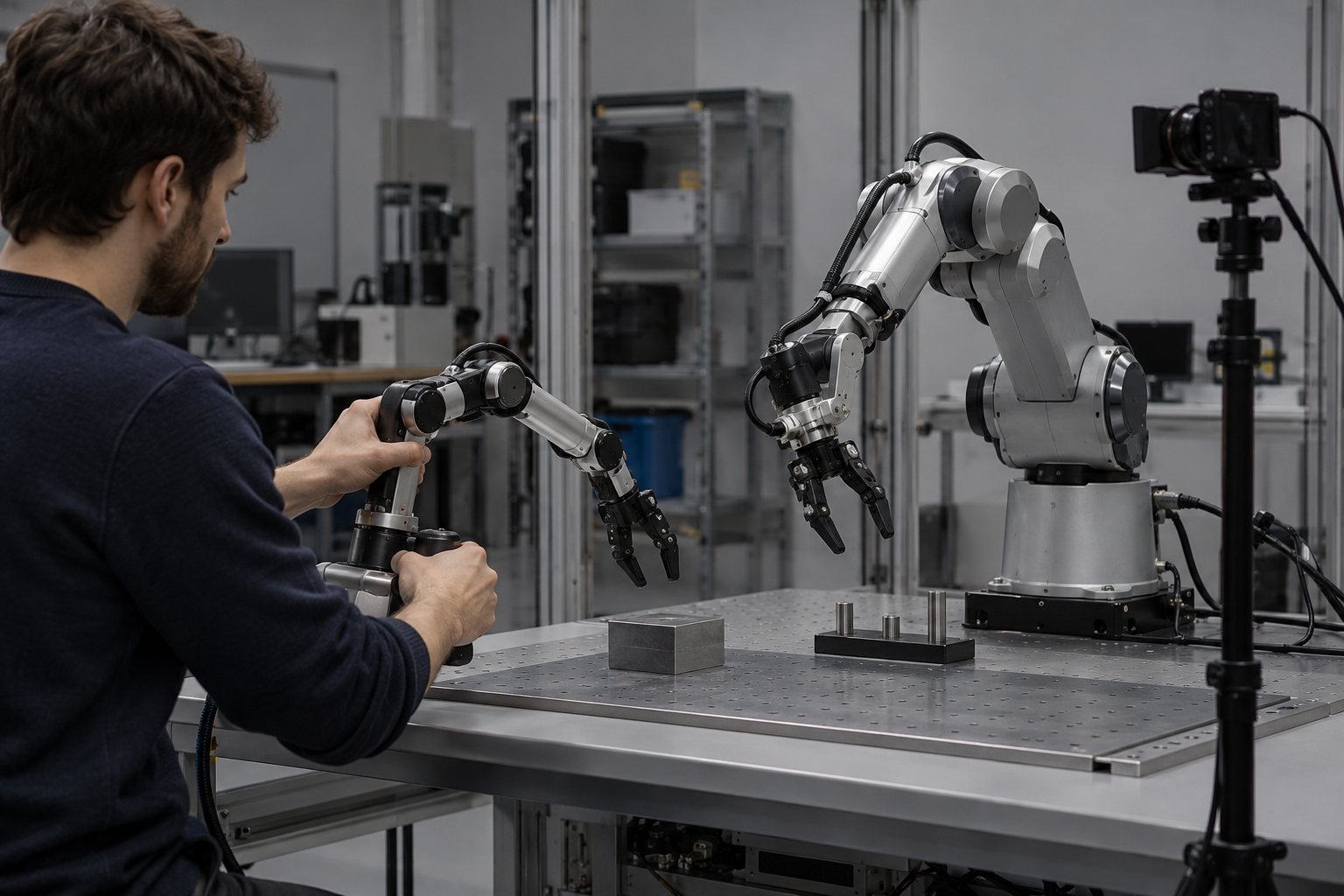
Goal: explain where robot data comes from (teleoperation, OXE/DROID, human video) and open a LeRobotDataset v3.
From the most expensive and precise to the cheapest and most abundant. Click each stage.
In practice, 2026 models mix all four sources: lots of human video in pretraining, teleoperation of your own robot in fine-tuning.
The format LeRobot has used since version 0.4.
Tabular data (state, action, indices) lives in Parquet. Each camera's video lives in concatenated, sliced MP4 files. Metadata lives in JSON and Parquet.
You still read by episode: the library hides where each frame is stored.
Each index returns a dictionary of PyTorch tensors: the camera image, the robot state, the action at that moment, and the timestamp.
It's exactly the (observation → action) pair that the policy will learn to imitate in lesson 5.
observation.image (3×96×96), observation.state (agent position), action (where to go).
The format gained depth (distance cameras) and language columns, with automatic language annotation. According to the release blog, loading got up to 2× faster.
An old v2.1 dataset has a conversion script to v3.
No account and no token: lerobot/pusht is public. First install LeRobot (Python 3.12).
python3.12 -m venv .venv
source .venv/bin/activate
pip install "lerobot[training]==0.6.1"
from lerobot.datasets import LeRobotDataset

ds = LeRobotDataset("lerobot/pusht")
print("episodes:", ds.num_episodes)
print("fps:", ds.fps)
print("frames:", ds.num_frames)
print("keys:", list(ds.features))

# where episode 0 starts and ends
ini = ds.meta.episodes["dataset_from_index"][0]
fim = ds.meta.episodes["dataset_to_index"][0]
print("episode 0: frames", ini, "to", fim - 1, f"({(fim - ini) / ds.fps:.1f} s)")

quadro = ds[ini]
print("state:", quadro["observation.state"])
print("action:", quadro["action"])
print("image:", tuple(quadro["observation.image"].shape))python abrir_dataset.py
from lerobot.datasets import LeRobotDatasetMetadata

for repo in ["lerobot/libero", "lerobot/aloha_mobile_cabinet"]:
    m = LeRobotDatasetMetadata(repo)
print(repo, "episodes:", m.total_episodes, "fps:", m.fps, "cameras:", m.camera_keys)$ python abrir_dataset.py Warning: You are sending unauthenticated requests to the HF Hub. ... episódios: 206 fps: 10 quadros: 25650 chaves: ['observation.image', 'observation.state', 'action', 'episode_index', 'frame_index', 'timestamp', 'next.reward', 'next.done', 'next.success', 'index', 'task_index'] episódio 0: quadros 0 a 160 (16.1 s) estado: tensor([222., 97.]) ação: tensor([233., 71.]) imagem: (3, 96, 96) $ python meta.py lerobot/libero episódios: 1693 fps: 10.0 câmeras: ['observation.images.image', 'observation.images.image2'] lerobot/aloha_mobile_cabinet episódios: 85 fps: 50 câmeras: ['observation.images.cam_high', 'observation.images.cam_left_wrist', 'observation.images.cam_right_wrist']
LeRobot 0.6.1, Python 3.12. The "unauthenticated requests" warning is normal without an account: it only limits speed. The first time it downloads the dataset (took 12 s here); after that it stays in the cache.
pip install lerobot on its own: since 0.6 the base install is lean and does not include dataset support. Use the [training] extra (or [dataset]).Runs on any computer with Python 3.12. No GPU needed.
Install LeRobot in a venv, copy abrir_dataset.py, and run it.
Done when: the terminal prints episódios: 206 and fps: 10.
Open huggingface.co/datasets/lerobot/pusht in your browser and watch episode 0 in the viewer. Compare it with the duration the script calculated.
Done when: you confirm that episode 0 lasts about 16 s and you can say what the agent is pushing.
Run meta.py: it reads only the metadata of two larger datasets, without downloading the videos. Compare fps and number of cameras with PushT.
Done when: the terminal shows ALOHA at 50 fps with 3 cameras, and you noted the names of its 3 cameras.
The explanation appears after your answer.
Question 1 of 4
What is an episode in a robot dataset?skill
Question 2 of 4
An episode has 161 frames recorded at 10 fps. How long does it last?
Question 3 of 4
Which data source became the main one in the pre-training of 2026 models?
Question 4 of 4
Why doesn't pip install lerobot on its own open the dataset in 0.6?
Pick an option. The explanation appears after your attempt.