claude-code-completo · free course · in Portuguese

Learn Claude Code from zero to advanced in one video

You collect videos from here and there and don’t know where to start or what comes next. The complete course with chapters puts everything in order, from basics to advanced topics, and each chapter has a free kit you can use the same day.
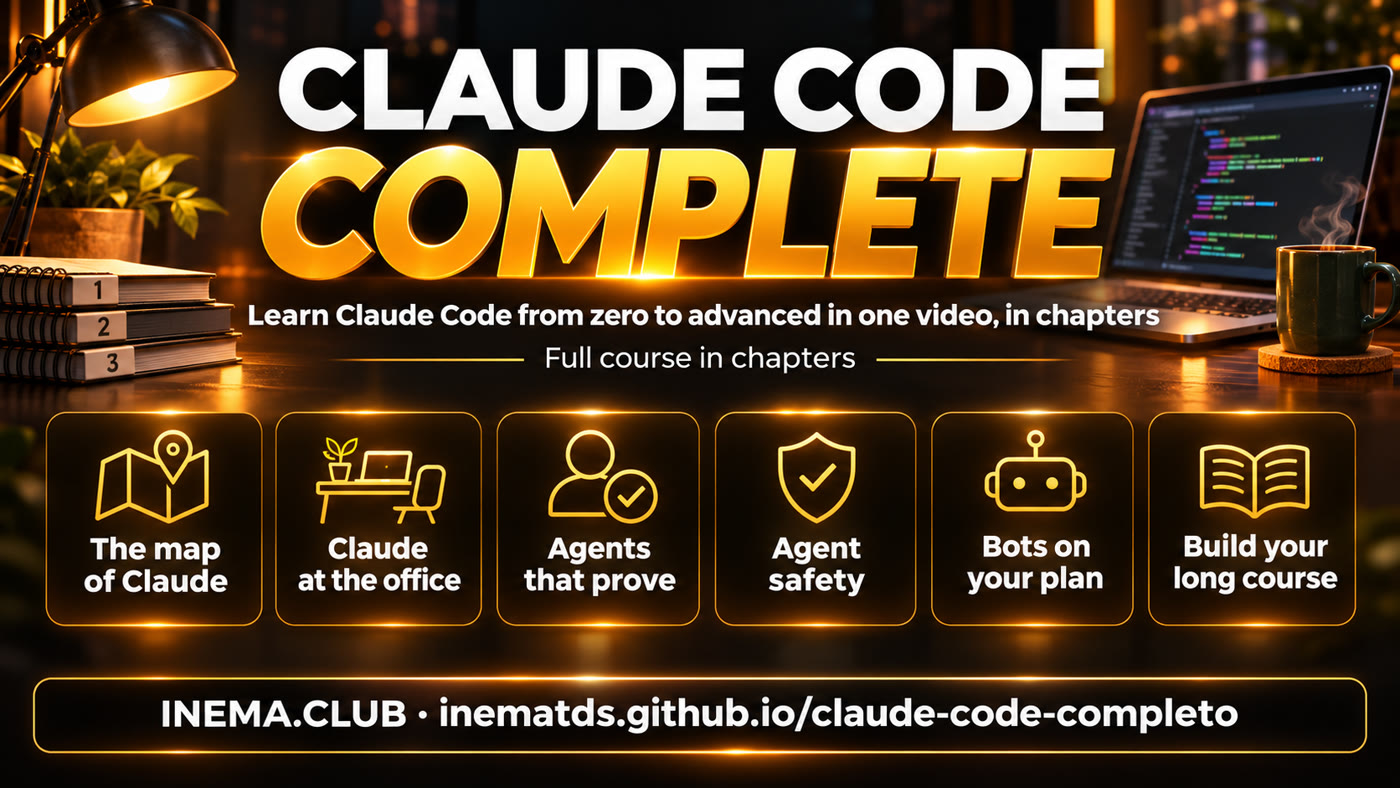
Claude Code, complete: from beginner to advanced in a single video, a complete course with chapters, free
In summary

Claude Code is Anthropic's AI assistant that works with the files on your computer: it reads, writes, organizes, and runs tasks for you. This is a complete course with chapters, in a single free video that takes you from the Claude map to agents that prove what they do, work safely, and run on their own. Each chapter has a step-by-step guide and a ready-to-copy prompt. All you need to watch is a browser. The repository also includes the tool that assembled this video, so you can combine your own short videos into a long course.

Claude Code, complete: the Claude map, Claude at the office, agents that prove their work, agent security, subscription-based bots, build your own long course
Video

Understand in 3 minutes

The short video introducing the course is in production and will appear here as soon as it’s published. The full course is right below.

The course

Claude Code from beginner to advanced: 33 minutes, 12 chapters

Watch it all at once or skip to the chapter you need: on YouTube, the video progress bar is already divided into chapters.

Watch on YouTube (video in Portuguese): youtube.com/watch?v=E5ZumaYjzT8

Chapters

From beginner to advanced, in order

Click the time to open the course at that point. Each chapter has a complete guide to the topic (free) and a ready-to-copy prompt. The prompts for chapters 1, 2 and 5 go in the Claude chat (website or app); the others go in Claude Code, opened in your work folder, where the files it will read are.

Never opened Claude Code? It comes with the Claude desktop app (paid plans) and also runs in the terminal. The official installation steps are at code.claude.com/docs, and chapter 3 shows what it does on your computer.
0100:00

Claude's 25 pieces

Claude's guide for people who don't code: models, projects, memory, connectors, skills, Cowork, and Claude Code, and what each plan includes.

Ready-to-use prompt
I work as <your profession>. Of Claude's pieces (projects, memory, connectors, skills, Cowork, Claude Code), which ones am I probably not using yet, and which one should I turn on first? Give me a 5-minute step by step to start with it.
0203:37

Claude as an office

Documents, presentations, and design pieces made with your branding, from a Project containing the text "who I am" (most of it works even on the free plan).

Ready-to-use prompt
Write me a "who I am" text to paste into a Claude Project: my business is <describe>, my audience is <describe>, my colors are <colors> and my tone of voice is <describe>. Then make a 5-slide presentation about <topic> using that text.
0306:13

13 Claude Code updates

What Claude Code does on your computer and the most useful new features for people who don't code: subagents, background tasks, dashboards, and more, with guidance on each one.

Ready-to-use prompt
Look at this folder and tell me, in plain language, what is in it. Then suggest 3 repetitive tasks from my day that you could do in this folder, and do the first one only after I say ok.
0409:21

Who used up your limit

How to read the logs that Claude Code and Codex already save on your computer to see which project or routine used up your subscription's weekly limit.

Ready-to-use prompt
Download the medidor-de-limite kit (https://github.com/inematds/medidor-de-limite), follow its README to run the meter on this machine and explain the result: which project or routine used the most of my limit in the last 7 days, and what I can merge or space out to use less. Do not delete or pause anything.
0511:53

The 8 phrases that ask for proof

Eight writing phrases that make AI show what it did (the file, the output, the test) instead of just saying “done,” in ChatGPT, Claude, or Gemini.

Ready-to-use prompt
Before saying you are done, run the check and paste the last line of the output here. If you cannot prove it, say what is missing instead of saying "done".
0614:13

Prompt with proof

The request template that lets the agent say "done" only when it has proof, and the checker that scores your request from 0 to 8.

Ready-to-use prompt
Rewrite this request in the prompt-with-proof format: goal, how you will prove you did it, what counts as done, and what to do if it is not possible. My request: <paste here>.
0716:31

The agent that learns from mistakes

The steps that help an agent stop repeating the same mistake: record the failure, separate a request error from a machine error, and turn the lesson into an automatic safeguard.

Ready-to-use prompt
Look in this project for where I note the mistakes you made and the fixes (for example FALHAS.md or LESSONS.md). If there is none, create a FALHAS.md with one line per mistake I correct from now on. Then show me the mistakes that come back most often and, for each one, suggest an automatic lock (a test, a hook or a check) instead of one more written rule. Do not apply anything without my approval.
0819:23

Rebuild an app by asking for proof

The 4 rules for having the agent study an app and build its own version without making up anything it didn't see, with an evidence file that a checker fails when evidence is missing.

Ready-to-use prompt
Study this app and write what it does in a proof file: for each feature, where you got it from (file, screen or output). Whatever you did not see, mark as "not proven" instead of guessing.
0922:06

The agent's box

Why the agent can read your passwords and how to make it work in a disposable sandbox, without a network connection or your secret files.

Ready-to-use prompt
List which files in this folder look like secrets (.env, keys, tokens) and tell me how to run you here inside a disposable box, with no network and without those files. Do not open the contents of the secrets.
1024:18

Your repositories, safe

The three-layer setup to keep from losing your code if your account is blocked: a copy with another company, dated snapshots on a drive of your own, and, if you want, your own server.

Ready-to-use prompt
List my git repositories on this machine and build a three-layer backup plan: another hosting company, a dated snapshot on a disk of mine, and the command to check the copy is complete. Show the commands before running them.
1127:44

Bot team with your subscription

A bot dashboard with names, roles, memory, and scheduled tasks, powered by the Claude or Codex subscription you already pay for, with no API key.

Ready-to-use prompt
I want a team of 3 bots for my work as <profession>: write each one's role in one sentence, each one's scheduled task, and what each one must never do without asking me.
1230:37

Your robots' dashboard

A single screen that shows what your automated routines did overnight, what failed, and what’s waiting for you, read aloud in Portuguese.

Ready-to-use prompt
List the automatic routines on this machine (timers, cron, queues) and tell me, for each one, when it last ran, whether it worked and where its log is. Read only: do not run or stop anything.

Words you’ll see here

Claude Code
Anthropic's program where Claude works directly with files on your computer, in the terminal or the app.
Prompt
the prompt you write for the AI.
Agent
an AI that doesn't just answer: it carries out steps on its own (opens files, runs commands) until the task is done.
Kit
the free package for each chapter: guide, examples, and, when available, ready-to-use scripts.
Terminal
your computer's command window, where you type the commands in the technical part.
Work folder
the folder with the files Claude Code will read and change; it only sees what is in it.
Hook
an automatic check that Claude Code runs before or after an action.
Timer, cron
schedulers that run a task on their own, at a set time.
JSON
a text file with fields inside braces; it is the course list the tool reads.
Subscription
Claude's (Pro, Max) or ChatGPT's monthly plan; no chapter requires a paid API key billed by usage.
Why a long video

Who wants to learn stays

Our what's trending radar tracked 320 videos across 7 AI topics (November 12, 2026 run) and compared each video with its channel’s usual performance. Very short and very long videos went further than the middle.

Median of how many times its channel's usual each video did, by length (20, 48, 31 and 33 videos). Source: INEMA's what's trending radar, November 12, 2026.

The case that drew the most attention: a 5-hour complete Claude Code course on a channel with around 7,000 subscribers got 513 times the channel's usual performance. People looking to learn want the whole journey in one place. Honestly: This first course is 33 minutes long because we only use our own videos; it grows with each new chapter. And with the kit below, you can build your own long-form course using your own videos.
Technical details

The kit: for anyone who wants to build their own long-form course

From here on, this is the technical part: combining your short videos into one long video with chapters. You not needed from this section to watch the course.

What it is

A tool local, no AI

O montar_curso.py it's the same tool that put together the course above. You give it the list of videos and titles; it returns the long-form video, chapters, and description.

Chapter card

3 seconds of a black screen with "CHAPTER N OF T" and the title in yellow and white before each video.

Consistent audio volume

Each video goes through audio normalization so no one has to adjust the volume between chapters.

YouTube chapters

Generates the "00:00 Title" list with the actual timestamps from the final video and a description ready to paste.

How it works

From the list to long-form video

Video list (JSON or YAML)→ Checks each file→ Card + video in the same format→ Put it all together→ MP4 + chapters + description

Every video is converted to the same size (1920×1080 by default, with borders if the aspect ratio differs), 30 frames per second, and audio at −16 LUFS. The chapter starts on the card itself. At the end, the tool checks that the MP4 duration matches the sum of the parts (within 1 second) and only then reports success.

Prerequisites

What you need

Everything runs in the terminal, your computer's command window: on a Mac, open the Terminal app; on Linux, press Ctrl+Alt+T. The commands are for Mac and Linux; on Windows, use WSL (Ubuntu inside Windows) and follow the Linux steps.

Python 3.10 or newer

Check with the command below. If you don't have it, download it from python.org.

python3 --version

ffmpeg

The program that joins and converts the videos. Ubuntu/WSL: sudo apt install ffmpeg. Mac: brew install ffmpeg.

ffmpeg -version

The kit

With git, the command below. Without git: on the kit's GitHub page, click "Code" → "Download ZIP" and unzip it.

git clone https://github.com/inematds/claude-code-completo
cd claude-code-completo

Install Pillow in an environment just for the kit

Pillow draws the chapter cards. Install it in a separate environment (venv), which works even on systems that block pip directly. Inside the kit folder:

python3 -m venv .venv
source .venv/bin/activate
pip install -r requirements.txt   # next time, just run source .venv/bin/activate
User guide · step by step

In 5 minutes

1

Run the example

Create three test videos and build a 45-second course with them, to see the result before using your own:

python3 ferramentas/videos_de_teste.py
python3 ferramentas/montar_curso.py exemplos/meu-curso.json --saida saida/curso.mp4
2

Write your course list

Copy the example into the kit folder and open the copy in a text editor (TextEdit, Notepad or VS Code). Replace the title, the descriptions and, in each chapter, the file and the title. Use the full path of each video (e.g. ~/Videos/lesson1.mp4): the short paths in the example (videos/aula1.mp4) only work inside the exemplos/ folder. Keep the field names as they are (titulo, capitulos, arquivo, in Portuguese): the tool only reads those.

cp exemplos/meu-curso.json meu-curso.json
# {"titulo": "...", "descricao_topo": "...", "descricao_fim": "...",
#  "capitulos": [{"arquivo": "~/Videos/lesson1.mp4", "titulo": "First steps"}, ...]}
3

Check the timings before rendering

Without spending time rendering, see the estimated chapters and YouTube warnings (at least 3 chapters, each 10 seconds or longer):

python3 ferramentas/montar_curso.py meu-curso.json --saida saida/meu-curso.mp4 --so-capitulos
4

Build the long video

A 30-minute course takes about half an hour on an ordinary computer. The output includes three files:

python3 ferramentas/montar_curso.py meu-curso.json --saida saida/meu-curso.mp4
# saida/meu-curso.mp4 · saida/meu-curso-capitulos.txt · saida/meu-curso-descricao.txt
5

Publish with chapters

Upload the MP4 to YouTube and paste the contents of -descricao.txt in the description. YouTube turns lines like "00:00 Title" into chapters on the video progress bar.

cat saida/meu-curso-descricao.txt
6

Settings and tests

Change the card duration, size, or frame rate; and run the kit's own tests (they require pytest):

python3 ferramentas/montar_curso.py meu-curso.json --saida saida/meu-curso.mp4 --cartao-s 4 --largura 1280 --altura 720
pip install pytest
python3 -m pytest -q   # 10 tests with synthetic videos (9 + 1 skipped without PyYAML)
Real example

The chapters generated by the tool for this course

The course list above is at curso/curso.json (the original videos are not in the repository). This was the output:

00:00 As 25 peças do Claude
03:37 O Claude como escritório
06:13 13 novidades do Claude Code
09:21 Quem comeu o seu limite
11:53 As 8 frases que pedem prova
14:13 Prompt com prova
16:31 O agente que aprende com o erro
19:23 Refazer um app pedindo prova
22:06 A caixa do agente
24:18 Seus repositórios a salvo
27:44 Time de bots pela assinatura
30:37 O painel dos seus robôs
Roadmap

Next steps

Today
33-Minute Course and the Tool12 chapters with a kit and prompt; montar_curso.py with cards, normalized audio, chapters, and description; 10 tests.
Next
Longer CourseNew chapters are added as new videos come out, until it exceeds one hour.
Then
Subtitles for the entire courseCombine the subtitles from each video into a single file, with the timestamps adjusted.