Cinema with AI Program · course 0 of 6 · 8 lessons
Direction: think like a director before you generate anything
The generator carries out the work; you make the decisions. Shot, angle, movement, light, composition, character sheet and shot list with sound. Each lesson ends with a file that the page itself checks, with no terminal and no credits spent. At the end, you have a 30-second scene ready to turn into a prompt in any generator.
- 8lessons
- 8files checked on the page
- 0credits spent
- 6courses in the program
The lessons
One scene runs through the whole course: "The first batch". Each lesson adds a layer of direction to it, and you do the same with yours.
 Lesson 1 · 15 minThe director and the machine: what AI does and what stays yoursThe 2026 video generator creates image, motion and sound. It doesn't know what the audience should feel or why the camera is there. This lesson separates what the machine carries out from what you decide, and ends with the director's card for your scene.
 Lesson 2 · 16 minShot size, angle and distance: the grammar every generator understandsShot size and angle aren't aesthetics: they decide what the audience sees and how they feel about the character. And it's a vocabulary that Google's official video prompt guide lists with names and examples. You leave with your scene's shot ladder written in the terms the prompt uses.
 Lesson 3 · 16 minThe camera as a verb: each movement tells somethingCamera movement weighs heavily on the result of a generated video, and a common mistake is stacking movements in the same shot. In this lesson each movement gets a function: move closer, pull back, follow, reveal, orbit, or shake. One per shot, chosen for its effect on the audience.
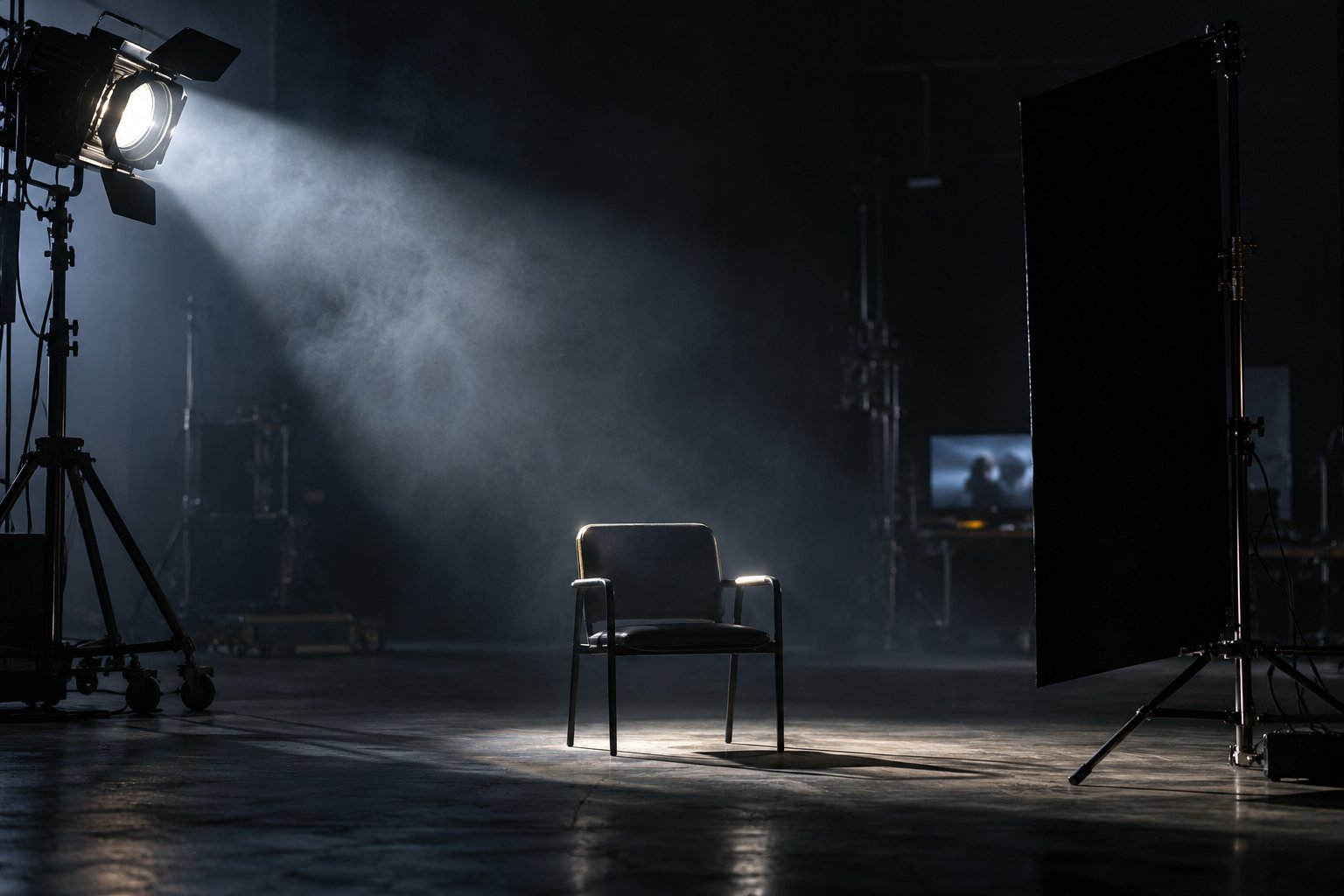 Lesson 4 · 16 minLight, color and atmosphere: the look decided before the prompt"Cinematic light" in a prompt says nothing: the generator needs to know where the light comes from, which side it hits, whether it is hard or soft, and what color it is. In this lesson you decide the light for your scene and write the look card, the fixed block that goes into every prompt for it.
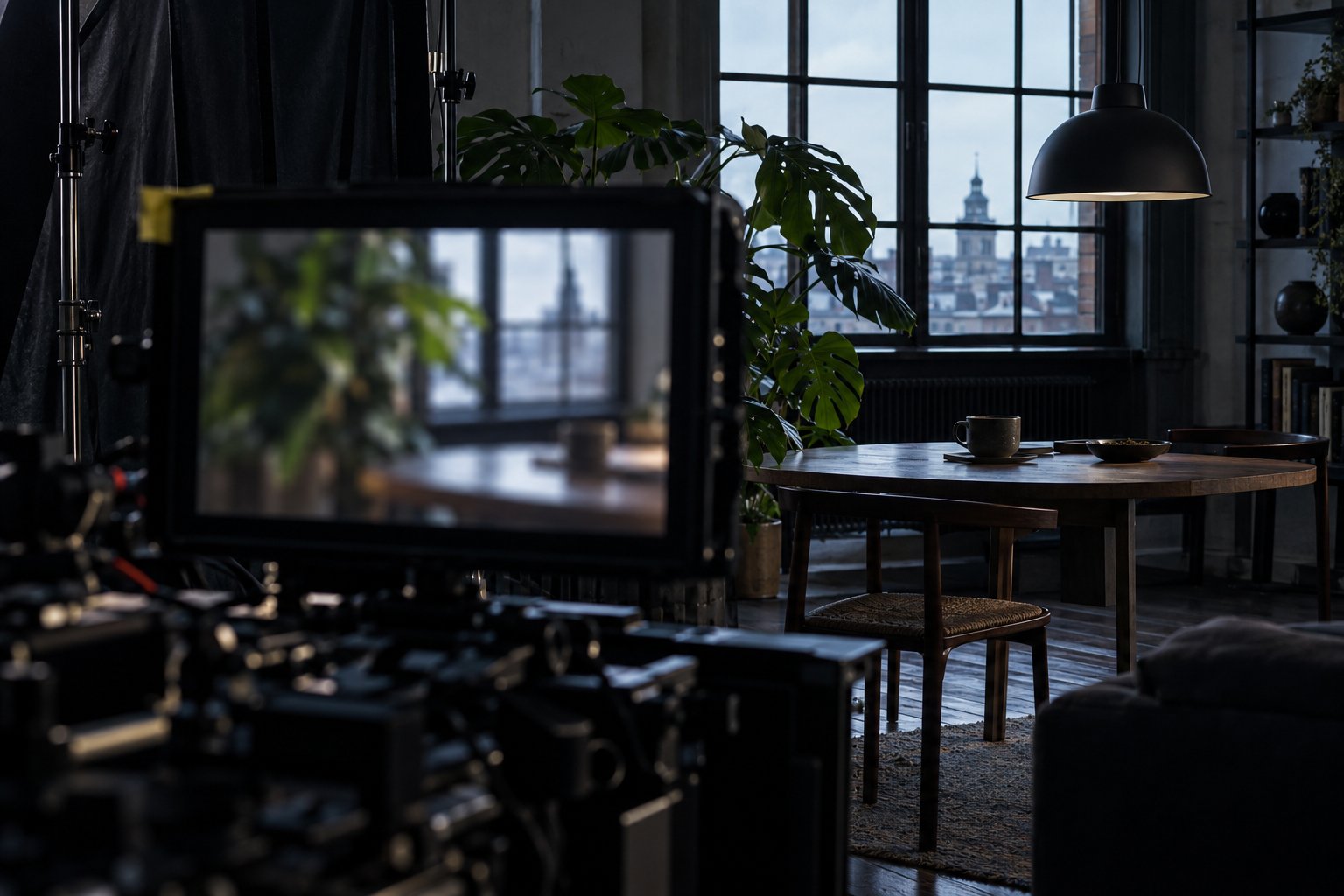 Lesson 5 · 15 minComposition and depth in the frameA beautiful frame where the eye doesn't know where to go communicates nothing. Composition is deciding what you see first, where empty space works in your favor, and how foreground, midground and background separate. It's what makes a generated image feel like real space instead of a flat backdrop.
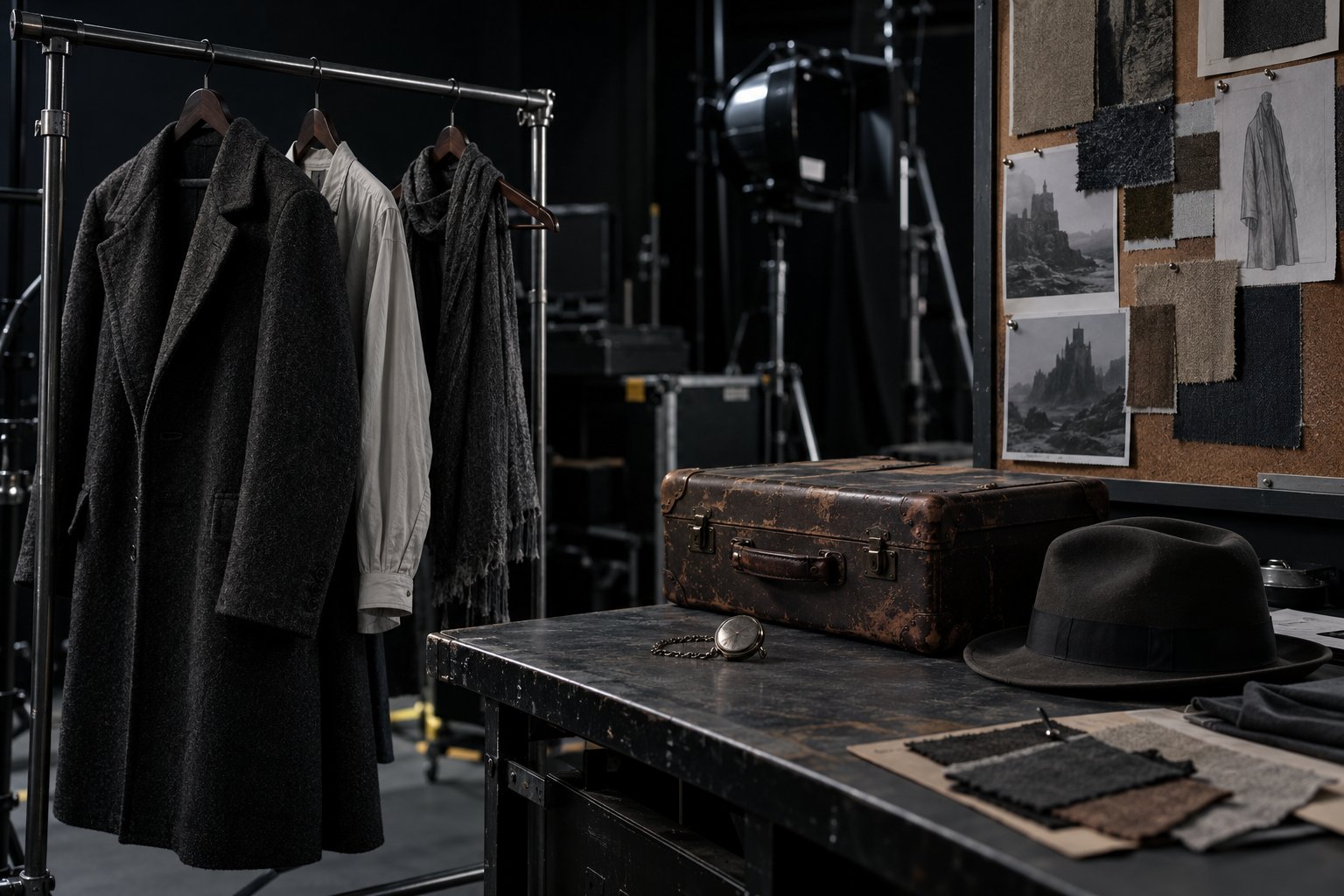 Lesson 6 · 17 minCharacter, wardrobe, and setting: the sheet that holds consistencyOne of the most visible mistakes in generated video is the character who changes face, clothes, or hair from one shot to the next. The defense is a written character sheet and a pack of reference images, decided before the first generation and repeated in every shot.
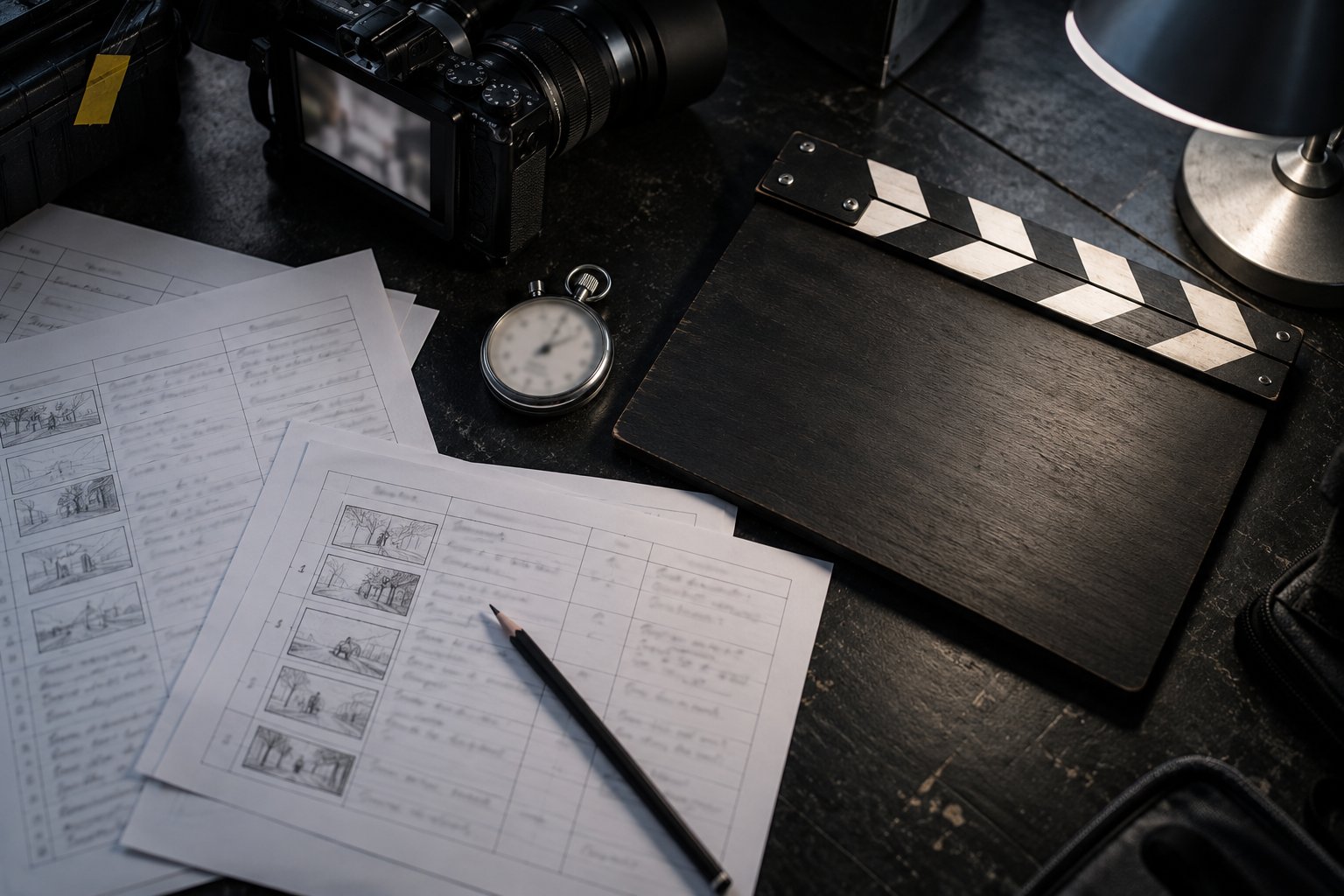 Lesson 7 · 18 minFrom script to shot list: a list of shots with sound and dialogueMaking a shot list means cutting the written scene into numbered shots, each with a camera, timing and sound. In 2026 sound joined the list: video generators return audio along with the image, so what you hear in each shot is also a directing decision.
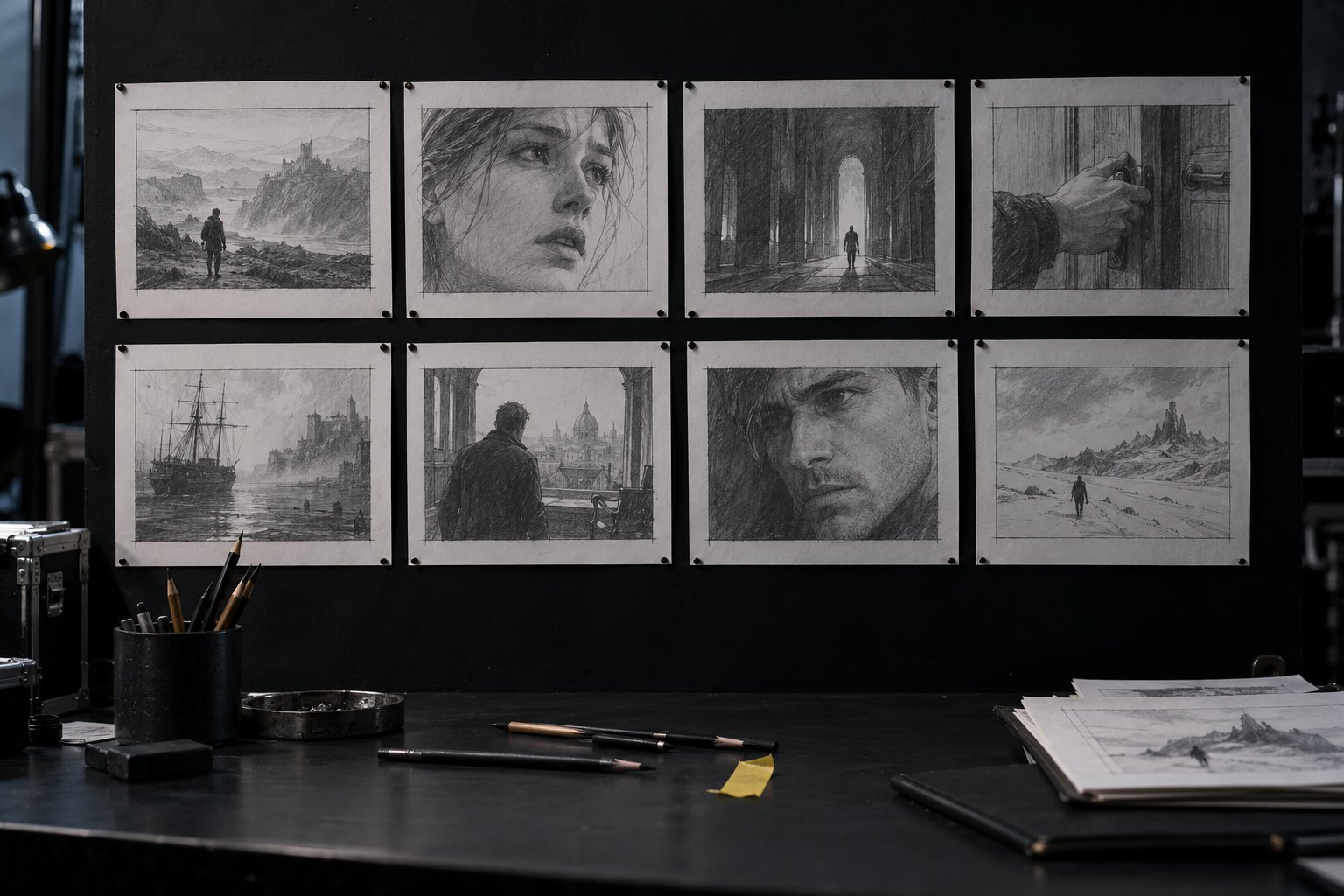 Lesson 8 · 20 minYour storyboard: a 30 s scene broken into shots and checkedTime to put it all together: the director's card, the character sheet, the look and the shot list become a 30-second storyboard, checked by the page. It's the package you take to any generator, and it's where course 1 starts.
Who it's for
- 1Creators, teachers and people who make videos for companies.
- 2People who have already generated images or video with AI and found the result random.
- 3People who don't use a terminal: everything is done in the browser and in a text file.
What you'll be able to do
- 1Decide shot, angle, movement and light based on what the audience should feel.
- 2Write the character sheet that keeps the same character across every shot.
- 3Deliver a 30-second storyboard with sound for each shot, checked by the page.
- 4Take the package to any generator, without depending on one platform.
The program (6 courses)
- 10 · Direction (this course)
- 21 · Generation: image and video with AI
- 32 · Production: from script to finished film
- 43 · Motion by code with an agent
- 54 · The video factory with agents
- 65 · Cinematic websites