Generation: images and video with AI|INEMA.CLUB-PRO

Lesson 1 · 18 min

The map of generators in Oct 2026 and how to choose

Video generators change versions every few months and sometimes disappear, like Sora. That's why the choice doesn't start with the ranking: it starts with what your shot asks for. Duration, dialogue, reference, and license decide; the dated table just shows who meets the need today.

Start the lesson
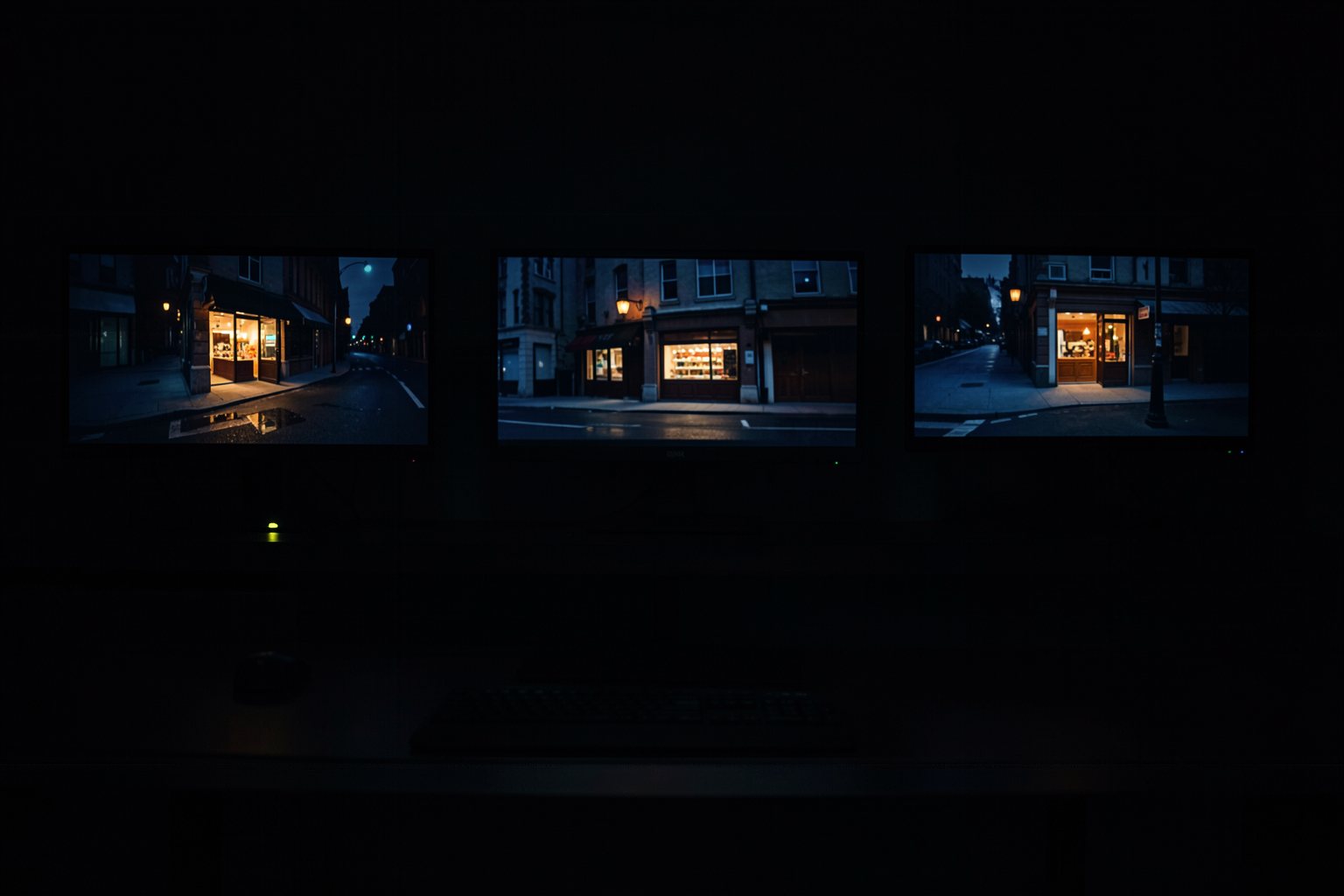
Wall of a dark editing room with six monitors side by side, each showing a different version of the same street with a lit bakery window.

In this lesson you will

  1. 1The five questions that choose the generator for a shot
  2. 2What each major generator offers in Oct 2026, with source and date
  3. 3Why the Sora case teaches you to keep everything outside the platform
  4. 4Record the choice in a file that the page checks

Goal: choose the generator for each shot based on what it asks for (duration, dialogue, reference, license) and record the choice with the date.

01Five questions before choosing

The shot decides the generator, not the other way around. Click each question.

Click each block in the diagram to see what it does.

Answer all five for the shot, not for the whole film: different shots can go to different generators.

02The generators as of Oct 2026 (table updated on 10/19/2026)

Only what has a dated source. Anything not confirmed appears as "reported." Tap each one.

1. Veo 3.1

Native audio, with dialogue and effects. Accepts up to 3 reference images (the "Ingredients" feature), first-to-last frame transition, and scene extension.

Duration per clip: the numbers going around come from third parties and were not confirmed on an official page. Veo 4 has not been announced.

SourceGoogle developers blog, Veo 3.1 launch (Oct 2025).

03The table as text, to keep in your folder

Copy it into the project folder. When you check again, change the date and what changed.

geradores-out-2026.txt
Generator table · updated on 10/19/2026
model | owner | native audio | references | length per generation | open?
Veo 3.1 | Google | yes | up to 3 images; first and last frame | not confirmed | closed
Kling 3.0 / 3.0 Omni | Kuaishou | yes, several languages | per-shot control (Omni) | up to 15 s | closed
Seedance 2.5 | ByteDance | yes, in the same pass | up to 30 images, 10 videos, 10 audio clips | up to 30 s | closed
Runway Gen-4.5 | Runway | yes | first frame; Aleph 2.0 edits video | up to 1 min with several shots | closed
Luma Ray3.14 | Luma | not confirmed | Ray3 Modify: start and end frames | not confirmed | closed
Wan 2.2 | Alibaba | not confirmed | first and last frame in ComfyUI | not confirmed | open, Apache 2.0
LTX-2.3 / LTX-2.5 | Lightricks | yes | first and last frame; several shots (2.5) | not confirmed | open, LTX-2.x community license
Sora 2 | OpenAI | — | — | — | shut down in 2026 (case study)
escolha.txt (modelo)
Shot: <number and description of the shot from your shot list>
Needs: <duration, sound/dialogue, reference the shot asks for>
Generator: <the one you chose>
Version: <name and version (out/2026)>
Why: <which question it answers>
Backup: <second option, with version (out/2026)>
Open path: <open model that could do the shot, or "none on my machine">
Checked on: <date you checked the tool's page>

04Check your choice

Paste your escolha.txt (or upload the file). The page checks the eight fields and looks in the file for the date of this lesson's table, "(out/2026)". First try it with the example that passes and the example with an error.

escolha.txt

05Optional: check in the terminal

Only for people who already use a terminal. Download the course from GitHub and run it in its folder: the rules are the same as on the page. For your file, replace --exemplo with its name (escolha.txt); it exits 0 when it passes.

Terminal (in the course folder)
python3 conferir.py geradores --exemplo; echo "saída: $?"
python3 conferir.py geradores --errado; echo "saída: $?"
Example from the repository
$ python3 conferir.py geradores --exemplo; echo "saída: $?"
OK: escolha com 8 campos
saída: 0

06Practice

Use the shot list or storyboard you made in course 0. If you didn't make one, use shot 4 from "The first batch".

Choice · one shot from your scene

20 min

Take the hardest shot in your shot list (the one with dialogue, or the one that needs the same character). Answer the five questions and fill in the escolha.txt using the template. Open the page of the tool you chose and note the date you checked it. Paste it into "Check your choice" and use "Download the file" to save it in the project folder.

Done when: the page answers OK: choice with 8 fields and the escolha.txt is in the project folder, next to geradores-out-2026.txt.

Portability · the folder outside the platform

10 min

Check that the project folder has, in text, everything you would need to redo the scene in another generator: storyboard, character sheet, look, and the escolha.txt. Anything that only exists inside a platform, copy it to the folder now.

Done when: the project folder has storyboard.txt, ficha.txt, look.txt and escolha.txt, and all four open in a plain text editor, with no account on any platform.

07Quick quiz

Four questions. The explanation shows up after each answer.

Question 1 of 4

Which of these questions comes before choosing the generator for a shot?

08To keep

The shot decidesDuration, sound and dialogue, reference, license and access. Answer per shot.
A version has a dateEvery version goes with "(Oct/2026)" and the date you checked it. What has no source is "reported".
Portable folderScript, character sheet, look and prompts in text, outside the platform. Sora showed why.

Going further

Next lesson