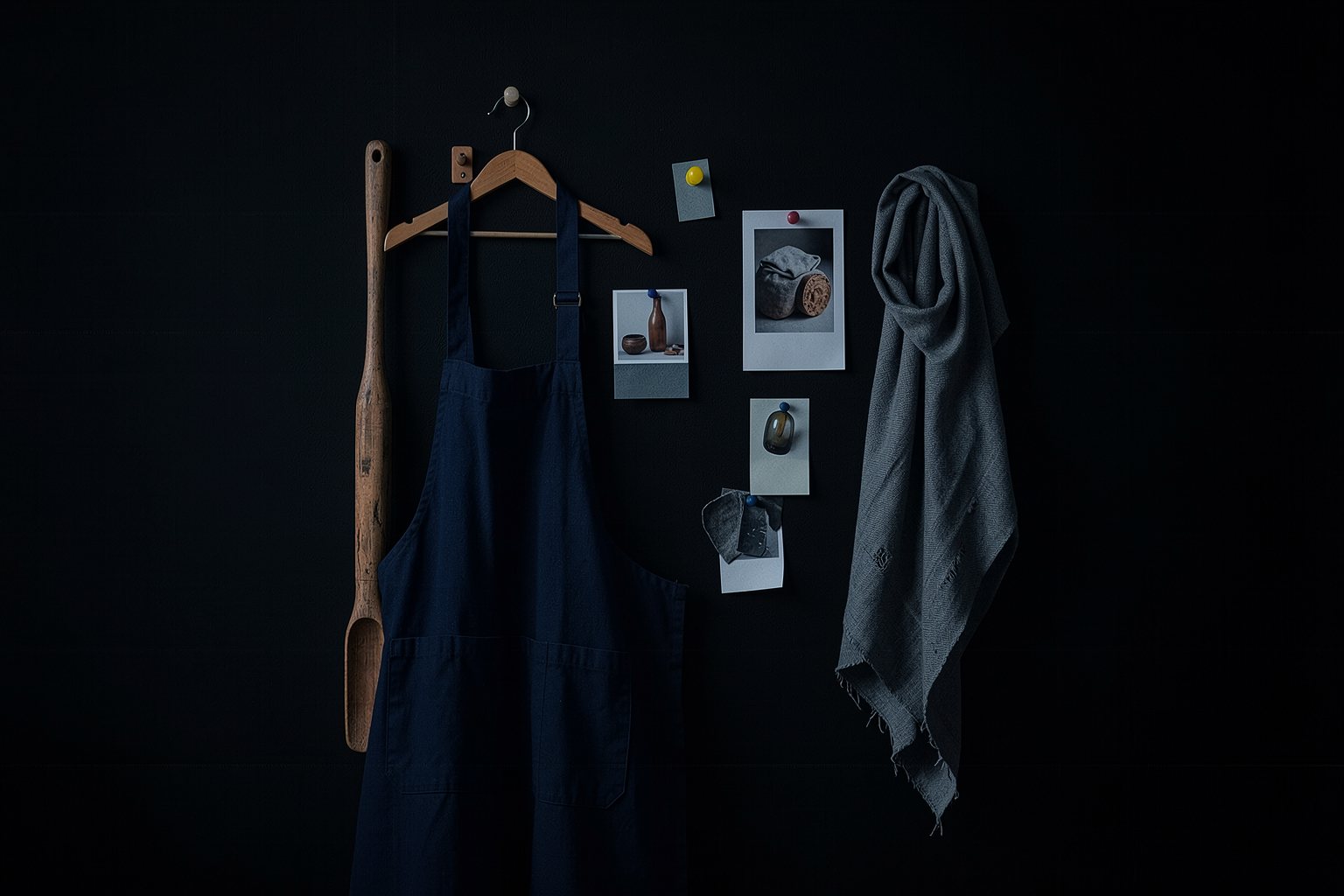
Consistency by reference: character, object and style across shots
One of the most visible mistakes in AI video is the character whose face changes from one shot to the next. The 2026 generators accept reference images, each with its own name and limit. The method is the same in all of them: reference image, locked description, fixed look and inherited last frame.
1Which reference images to prepare from the course 0 character sheet
2What each generator calls the reference as of Oct/2026
3The lock: the same words in every prompt
4The ethical limits of using references
Goal: tie each shot to the reference images and the description lock that hold the same character and the same look.
01 · Four locks that hold continuity
From the character sheet to the checked shot. Click each step.
Click each block in the diagram to see what it does.
No single lock is enough on its own. A reference without a text lock varies; a lock without a reference does too.
02 · Reference in practice
The example continues with Dona Lia, the fictional character from course 0.
1. The reference images
From the character sheet, generate three images of the character: front view, side view and full body, with a neutral background and the complete costume. Add the object that appears in close-up and the empty location.
Give the files clear names (lia-frente, lia-perfil, pa-de-madeira). That name is how the reference list links each shot.
2. Each generator, a name
Veo 3.1: up to 3 reference images in the "Ingredients" feature. Seedance 2.5: up to 30 images, 10 videos and 10 audio files. FLUX.2 [klein], open: editing with multiple reference images, useful for the stills.
Kling 3.0: the character "elements" are reported by third parties, with no official confirmation. The buttons change names; the concept stays.
SourcesGoogle developer blog (Veo 3.1); The Decoder, 08/01/2026 (Seedance 2.5); official FLUX.2 repository.
3. Choosing the references for the shot
Each shot gets only the references for what appears in it. Close-up of the shovel: the shovel image. Medium shot of Dona Lia: her front view and, if it fits, the location.
If the generator accepts only a few images, choose by the "Never changes" line: what the audience would recognize first.
Shot 7ref: lia-perfil.png, ultimo-quadro-06.png | lock: bun with headscarf, glasses, navy blue apron
4. How far the reference goes
References are for a fictional character, for yourself, or for someone who gave written consent. The face of an actor, a public figure or a client without authorization, no.
Seedance 2.0 stirred up controversy with film studios precisely for generating real actors and characters. Labeling, image rights and voice are covered in course 2.
03 · Templates to copy
The reference list that the page checks and the request to generate the character sheet.
referencias.txt (template)
Character: <name (fictional) and where the character sheet comes from>
References: <reference files, separated by commas>
Lock: <the "Never changes" line from the character sheet, word for word>
<n> | <shot size> | ref: <files for this shot> | trava: <what has to appear the same in this shot> | <n> s
<n> | <shot size> | ref: <files for this shot> | trava: <what has to appear the same in this shot> | <n> s
Request to the image generator (character sheet)
Fictional character reference sheet, three views side by side: front, side and full body. Neutral gray background, soft even light, same clothes in all three.
Character: <paste here the Age, Face, Hair, Body and Costume lines from your character sheet>
No text, no logo.
04 · Check your reference list
Paste the referencias.txt (or upload the file). The page checks the format: each shot with ref: and trava: filled in. Whether the lock repeats the character sheet word for word is for you to check.
referencias.txt
05 · Optional: check in the terminal
Only for people who already use a terminal. Download the course from GitHub and run it in its folder: the rules are the same as on the page. For your own file, swap --exemplo for its name (referencias.txt); it exits with 0 when it passes.
Terminal (in the course folder)
python3 conferir.py referencia --exemplo; echo "saída: $?"
python3 conferir.py referencia --errado; echo "saída: $?"
Example from the repository
$ python3 conferir.py referencia --exemplo; echo "saída: $?"
OK: 6 planos com referência e trava
saída: 0
$ python3 conferir.py referencia --errado; echo "saída: $?"
Ainda não. O que falta:
 - Falta a linha Trava: com a descrição (pelo menos 3 letras).
 - Achei 3 planos numerados; o pedido é de 4 a 10. Comece cada plano pelo número (1 | ...).
 - Plano 1: falta a coluna trava.
 - Plano 2: falta a coluna ref.
 - Plano 3: falta a coluna ref.
saída: 1
06 · Practice
Use the ficha.txt and the shot list from course 0. A fictional character, or yourself.
List · reference and lock per shot
20 min
Write the referencias.txt: the header with the character, the files and the lock; then one line per shot where the character or the object appears, with ref: and lock:. Paste it into "Check your reference list" and download the file into the project folder.
Done when: the page answers OK: [n] shots with reference and lock, with at least 4 shots, and the referencias.txt is in the project folder.
Sheet · the character's three views
25 min
Use the character sheet prompt in whatever image generator you have. Split the three views into files named as in your References line.
Done when: the front, profile and full-body files are in the project folder with the same names listed in the References line of referencias.txt.
07 · Quick quiz
Four questions. The explanation shows up after each answer.
Question 1 of 4
Why repeat "navy-blue apron" word for word in every prompt?
Correct
The text lock works together with the image: "dark apron" in one shot and "blue apron" in another are different requests. Same words, same request.
Not that one
The text lock works together with the image: "dark apron" in one shot and "blue apron" in another are different requests. Same words, same request.Review: Four locks that hold continuity
Question 2 of 4
How many reference images does Veo 3.1 accept in the "Ingredients" feature, according to Google?
Correct
Up to 3 on Veo 3.1. The 30 images are Seedance 2.5. The number of references changes from generator to generator and from version to version: check it against the date.
Not that one
Up to 3 on Veo 3.1. The 30 images are Seedance 2.5. The number of references changes from generator to generator and from version to version: check it against the date.Review: Reference in practice
Question 3 of 4
Which references should the wooden peel close-up use?
Correct
Each shot carries only the reference of what appears in it. Too many references confuse the generator and can put in the frame what shouldn't be there.
Not that one
Each shot carries only the reference of what appears in it. Too many references confuse the generator and can put in the frame what shouldn't be there.Review: Reference in practice
Question 4 of 4
A client asks for an ad using a famous actor's face as a reference. What does the lesson recommend?
Correct
A reference is for a fictional character, for yourself, or for someone who gave permission. The generator accepting the image doesn't authorize anything. Image rights and labeling are in course 2.
Not that one
A reference is for a fictional character, for yourself, or for someone who gave permission. The generator accepting the image doesn't authorize anything. Image rights and labeling are in course 2.Review: Reference in practice
Quiz complete
You got {a} of {n} right. If you get them all right, the lesson is marked as complete.
Pick an answer. The explanation appears after you try.
08 · To keep
Four locksReference image, text lock, fixed look, and inherited last frame.
Only what appearsEach shot carries the reference of what's in it, with the file name.
With consentFictional character, yourself, or someone who gave permission. Never someone else's face.