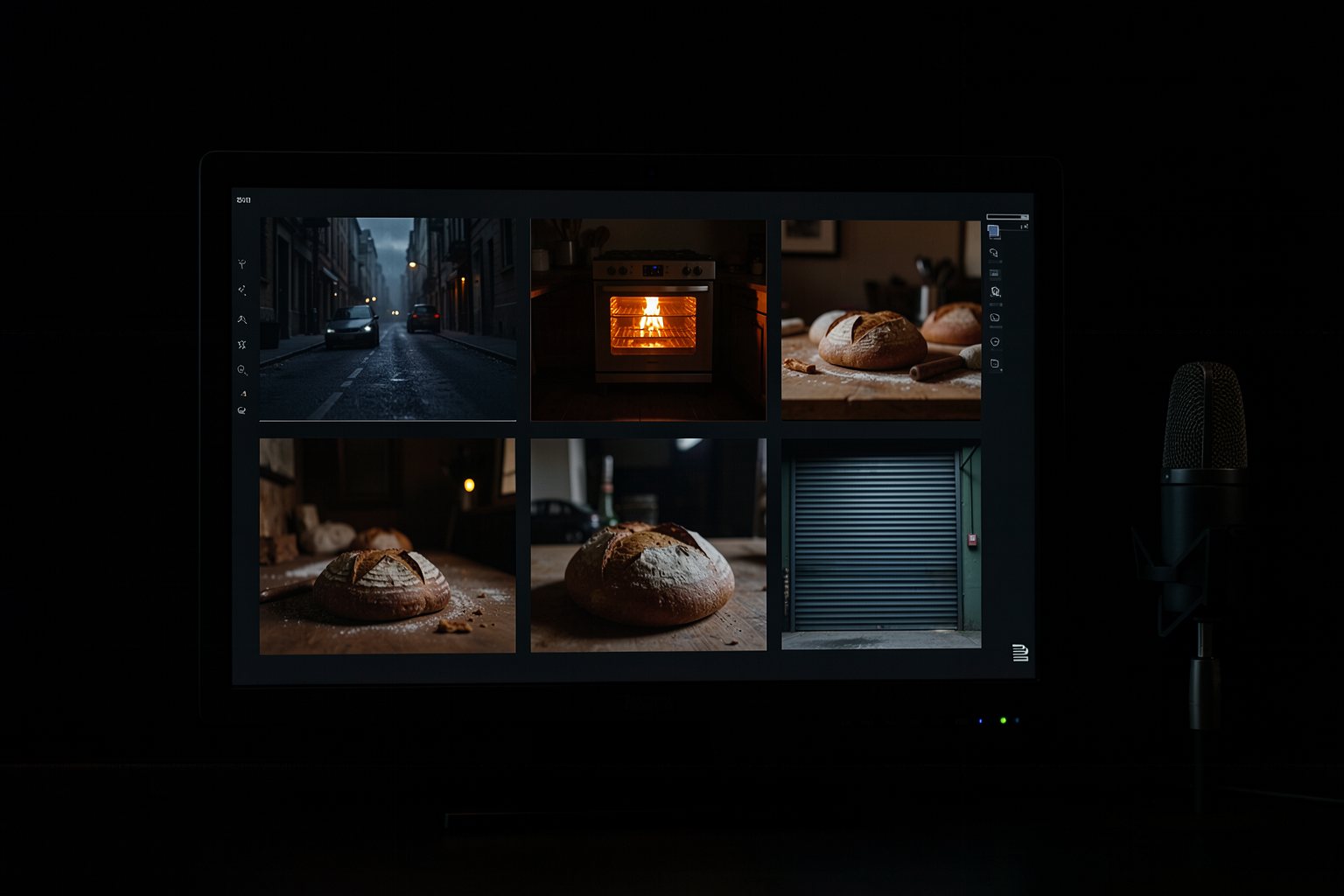
Several shots and lines in one generation: multishot and dialogue
In 2026, some generators make several shots with cuts in a single generation, keeping the character and light, and they already put the dialogue in the speaker's mouth. This saves you from stitching clips together, but it asks for a more precise script: numbered shots, who says what, and how long each one lasts.
1What multishot is and which generators do it as of Oct 2026
2Writing numbered shots inside a single generation
3Dialogue with who says what, in short lines
4When it's better to generate shot by shot
Goal: write a multishot script of up to 15 s with numbered shots, who says what, and the sound of each shot.
01 · One request, several shots
The multishot script in five parts. Click each one.
Click each block in the diagram to see what it does.
If one shot comes out wrong, multishot redoes the whole generation. Shots you want to control one by one stay out of it.
02 · Writing the multishot
The example is the end of "The first batch": the door, the line, and the first customer.
1. Who does it as of Oct 2026
Runway Gen-4.5: several shots and native audio, videos up to 1 min (Dec 2025). Kling 3.0 Omni: per-shot control of duration, angle, and movement. LTX-2.5, open: native multishot, according to the official page.
Kling with 6 cuts or 30 s per generation shows up only on third-party sites: treat it as reported and check it in the tool.
Write it like a short shot list: number, size, one movement, duration, and action. The numbering tells the generator where to cut.
Keep the lock and the look the same across all shots: inside a single generation the generator tends to hold continuity, but it can't guess what you didn't write.
3. Dialogue
Kling 3.0 launched with dialogue between multiple characters in multiple languages. For any generator, write who is speaking and the text, like in Google's guide: "The baker says: Coming!".
One line of dialogue per shot, and short sentences. A long line doesn't fit in 3 seconds, and the generator speeds it up or cuts it off.
Shot 4sound: door bell; the customer says: The usual, Dona Lia.
4. Multishot or shot by shot
Multishot works for short, continuous stretches with the same light and the same people, like a conversation.
Shot by shot (lesson 4) works when each shot needs to be redone on its own, or when the generator you chose doesn't do multishot.
03 · Templates to copy
The multishot script that the page checks.
multishot.txt (template)
Scene: <name> (<total duration> s, one generation)
Generator: <name and version (Oct/2026)>, limit of <n> s
Characters: <who appears, fictional>
<n> | <shot size> | <one movement> | <n> s | <what happens> | sound: <ambience and effect>; <who> says: <short text>
<n> | <shot size> | <one movement> | <n> s | <what happens> | sound: <ambience and effect>
04 · Check your multishot script
Paste the multishot.txt (or upload the file). The page checks the shots, movements, sound, the dialogue in the "Name says: text" format, and the sum of the seconds.
multishot.txt
05 · Optional: check in the terminal
Only for people who already use a terminal. Download the course from GitHub and run this in its folder: the rules are the same as the page's. For your own file, swap --exemplo for its name (multishot.txt); it exits 0 when it passes.
$ python3 conferir.py multishot --exemplo; echo "saída: $?"
OK: 4 planos numa geração · 12 s
saída: 0
$ python3 conferir.py multishot --errado; echo "saída: $?"
Ainda não. O que falta:
 - Falta a linha Personagens: com a descrição (pelo menos 3 letras).
 - Plano 2: 2 escolhas de movimento; fique com uma só.
 - Plano 2: falta a coluna som.
 - Só 1 tipo(s) diferente(s) de tamanho do plano nos planos; varie para pelo menos 2.
 - Os planos somam 19 s; o pedido é de 6 a 15 s.
 - Falta citar uma fala no formato Nome diz: texto.
saída: 1
06 · Practice
A short stretch of your scene, preferably with a line of dialogue.
Script · one stretch in one generation
20 min
Pick 2 to 6 consecutive shots from your shot list that happen in the same place and with the same light. Write the multishot.txt with at least one line of dialogue in the "Name says: text" format, adding up to between 6 and 15 s. Paste it into "Check your multishot script" and download the file.
Done when: the page answers OK: [n] shots in one generation · [s] s and the multishot.txt is in the project folder.
Optional · generate and check the clip
30 min
If your generator does multishot, generate the stretch in 16:9 with the script and the base prompt from lesson 3. Check the file in the lesson 4 clip checker.
Done when: the lesson 4 checker answers OK: [s] s · [w]×[h] · 16:9 for the clip and it is in the project folder next to the multishot.txt.
07 · Quick quiz
Four questions. The explanation shows up after each answer.
Question 1 of 4
What does multishot do in a single generation?
Correct
Multishot is several shots with cuts in one generation. Generating variations of the same shot is something else, and joining finished clips is editing (course 2).
Not that one
Multishot is several shots with cuts in one generation. Generating variations of the same shot is something else, and joining finished clips is editing (course 2).Review: One request, several shots
Question 2 of 4
How do you write a line of dialogue so the generator understands who is speaking?
Correct
With more than one character in the frame, without the name the generator picks who speaks. The short line fits in the shot; explaining the feeling is the acting's job, not the dialogue's.
Not that one
With more than one character in the frame, without the name the generator picks who speaks. The short line fits in the shot; explaining the feeling is the acting's job, not the dialogue's.Review: Writing the multishot
Question 3 of 4
Your multishot in Kling 3.0 adds up to 22 s. What do you do?
Correct
As of Oct 2026, Kling 3.0 generates up to 15 s. Beyond that, split the segment or pick a generator with a higher limit, like Seedance 2.5 (up to 30 s).
Not that one
As of Oct 2026, Kling 3.0 generates up to 15 s. Beyond that, split the segment or pick a generator with a higher limit, like Seedance 2.5 (up to 30 s).Review: One request, several shots
Question 4 of 4
When should you generate shot by shot instead of multishot?
Correct
In multishot, getting one shot wrong means redoing the whole generation. Shot by shot gives you fine control and works in any generator; multishot shines in short, continuous stretches.
Not that one
In multishot, getting one shot wrong means redoing the whole generation. Shot by shot gives you fine control and works in any generator; multishot shines in short, continuous stretches.Review: Writing the multishot
Quiz complete
You got {a} of {n} right. If you get them all right, the lesson is marked as complete.
Pick an answer. The explanation appears after you try.
08 · To keep
Shot list inside the promptNumbered shots with size, one movement, duration, action and sound.
Dialogue with a nameWho speaks and a short line; one line of dialogue per shot.
Fits the limitAdd up the seconds before you generate. If it doesn't fit, split it.