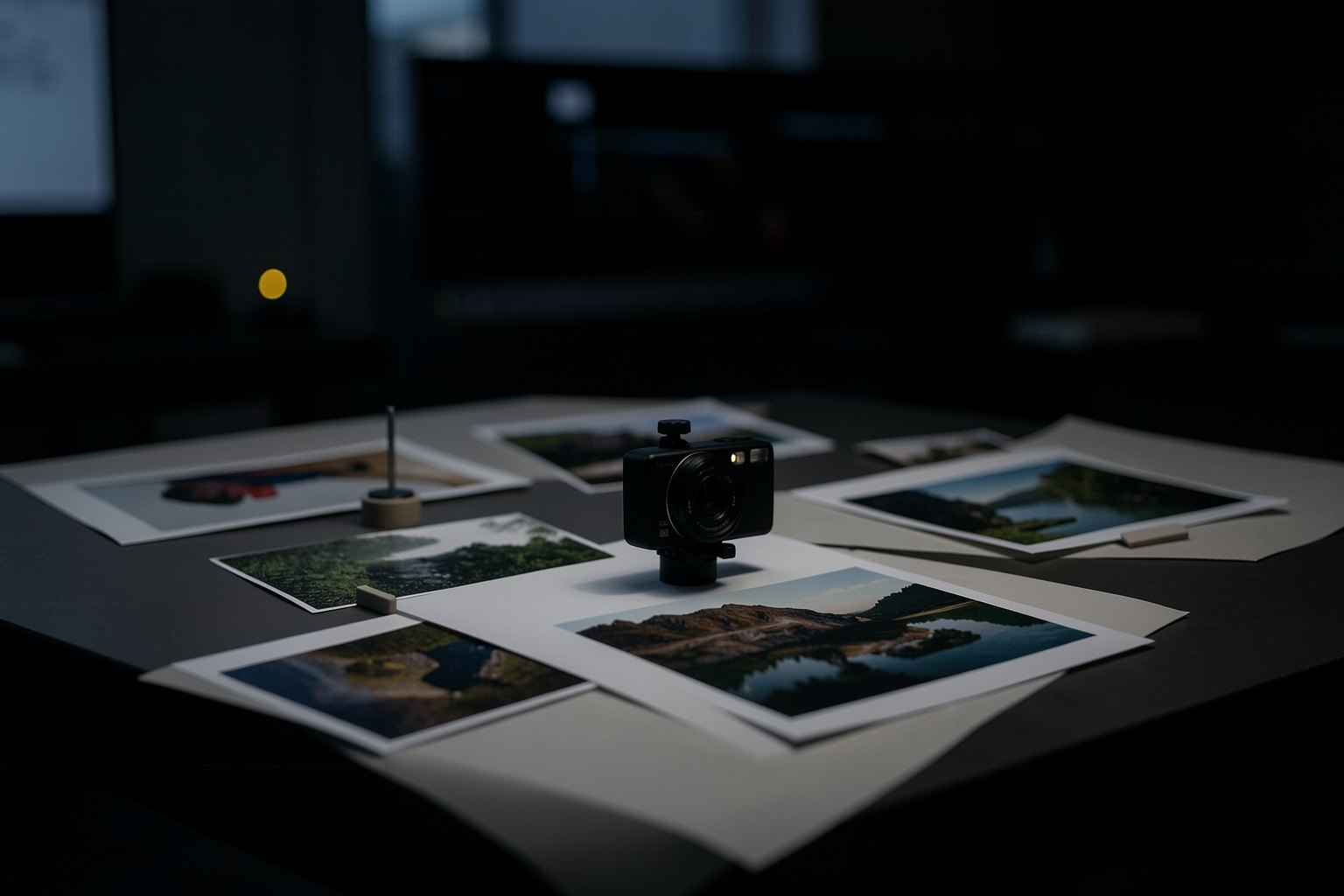
A film without a video generator: photos and narration with 2.5D camera
Not every film needs a video generator. Real photos or still images, a narration and one well-chosen camera move per photo already tell a story, with no credits spent and on any machine. The rehearsal clips in this course were made this way. Here you write the direction sheet and carry it out in an editor or with an agent.
1Choose one camera move per photo based on what it shows
2Measure each photo's duration by the narration
3Use the hard cut as the default and save the calm shot for the end
4Carry it out with keyframes in the editor or with the INEMA skills
Goal: direct a film from photos and narration: one move, one duration and one transition per photo, without generating video.
01 · Photos and narration become a film
Five decisions. Click on each one.
Click each block of the diagram to see what it does.
INEMA's diretor-animacao rules: never two identical movements next to each other, dramatic movement only once or twice in the film, and the last shot is the calmest.
02 · How to direct the photos, step by step
With the four images from the batch and a short narration.
1. Narration first
Write and record the narration before choosing the movements. Mark where each sentence starts: those marks are the photo durations.
If you can show it, don't narrate it: the photo of the dough makes the line "she kneads the dough" unnecessary. The narration says what the photo doesn't show.
Narration"At 4:50 a.m., the street is still asleep." · "Dona Lia is already up." · "The first batch won't wait."
2. One movement per photo
A wide landscape calls for a slow push in or a tracking shot; a detail calls for a static camera or a short push in; a reveal calls for a pull out.
Don't repeat the same movement on neighboring photos, and save dramatic movement (dolly zoom, crash zoom) for once or twice in the film. A real photo gets parallax; drawings and illustrations get no parallax, only flat movement.
3. Doing it without a terminal
In the editor, place the photo on the timeline with the duration from your sheet and create two keyframes: scale and position at the start and at the end. The editor animates between them.
Concat has keyframes with curves. Use a smooth curve (ease) at the start and at the end so the movement doesn't jerk.
4. Doing it with an agent
If you use Claude Code, you have INEMA's skills: diretor-animacao analyzes each image, proposes the shot list for you to approve, and renders through pixflow, which does the 2.5D parallax, 18 camera movements and ready-made looks.
They run on your computer with Node, FFmpeg and Chromium; without a dedicated graphics card, they render in software, more slowly. Neither of them uses video AI.
03 · Templates to copy
The direction sheet that the page checks, and a request for the AI assistant to propose movements from the narration.
direcao-fotos.txt (template)
Film: <name> (<duration> s) · narration: <audio file>
# n | photo | movement | duration | transition | narration
1 | photo: <file.jpg> | <one movement> | <n> s | <hard cut, dissolve or fade to black> | "<part of the narration>"
2 | photo: <file.jpg> | <one movement> | <n> s | <transition> | "<part of the narration>"
Request for the AI assistant (direction sheet)
You are a photo animation director. For each photo described below, propose one line in this format:
n | photo: <file> | movement | duration | transition | narration
Rules:
- one movement per photo: push in, pull out, tracking shot, tilt, orbit, static camera or handheld camera;
- at most two strong movements in a row; the last shot is the calmest;
- hard cut as the default; dissolve only for the passing of time; fade to black only at the end;
- the duration of each photo is the length of its part of the narration; the total adds up to <duration> seconds.
Photos: <list with the file name and what each one shows>
Narration: <paste the narration>
04 · Check your direction sheet
Paste the file (or upload the .txt). Test first with the example that passes and the example with errors.
direcao-fotos.txt
05 · Optional: check in the terminal
Only for people who already use a terminal. In the course folder you downloaded from GitHub; for your own file, replace --exemplo with its name (direcao-fotos.txt).
$ python3 conferir.py fotos --exemplo; echo "saída: $?"
OK: 5 fotos com movimento, transição e tempo · 30 s
saída: 0
$ python3 conferir.py fotos --errado; echo "saída: $?"
Ainda não. O que falta:
 - Achei 3 planos numerados; o pedido é de 4 a 12. Comece cada plano pelo número (1 | ...).
 - Plano 1: 2 escolhas de movimento; fique com uma só.
 - Plano 2: falta transição.
 - Plano 3: falta a foto.
 - Os planos somam 18 s; o pedido é de 30 a 60 s.
saída: 1
06 · Practice
The four images from the first batch are in the rehearsal clips from lesson 3; you can use your own photos.
Direction sheet · 4 to 12 photos, 30 to 60 s
20 min
Write the narration, mark the timing of each sentence, and fill in one line per photo with movement, duration and transition. Paste it into "Check your direction sheet" and download direcao-fotos.txt into the project folder.
Done when: the page answers OK: [n] fotos com movimento, transição e tempo · [s] s, with the total between 30 and 60 s, and the file is in the project folder.
Render · the sheet becomes a video
40 min
Run the sheet in the editor with keyframes (or with the diretor-animacao skill, if you use a terminal), with the narration underneath, and export as MP4 H.264. Check the file in the "Check your short film" section of lesson 8, which accepts the same 30 to 60 s as the sheet.
Done when: the "Check your short film" section of lesson 8 answers OK: [s] s · [w]×[h] · [p] for the file.
07 · Quick quiz
Four questions. The explanation appears after each answer.
Question 1 of 4
What decides how long each photo stays on screen?
Correct
The narration sets the timing: each photo lasts as long as its part of the speech, without cutting the sentence. A fixed time for all of them makes the film mechanical.
Not this one
The narration sets the timing: each photo lasts as long as its part of the speech, without cutting the sentence. A fixed time for all of them makes the film mechanical.Review: Photos and narration become a film
Question 2 of 4
What is the difference between the editor's 2D movement and the 2.5D camera?
Correct
In 2D the whole photo moves together (scale and position). In 2.5D the foreground moves more than the background (parallax), with no video AI.
Not this one
In 2D the whole photo moves together (scale and position). In 2.5D the foreground moves more than the background (parallax), with no video AI.Review: Photos and narration become a film
Question 3 of 4
Your sheet has push in, push in and orbit in a row. What does diretor-animacao recommend?
Correct
A movement repeated in neighboring photos makes the film mechanical. Swap one of them for another movement or for a static camera.
Which transition should the sheet use as the default?
Correct
A hard cut is the most invisible. A dissolve marks the passage of time and a fade to black marks an ending; used on every photo, they lose their meaning.
Not this one
A hard cut is the most invisible. A dissolve marks the passage of time and a fade to black marks an ending; used on every photo, they lose their meaning.Review: Photos and narration become a film
Quiz complete
You got {a} of {n} right. Get them all right and the lesson is marked as complete.
Choose an answer. The explanation appears after you try.
08 · To keep
Narration rulesEach photo lasts as long as its part of the speech.
One movement per photoChosen by what the photo shows; the last shot is the calmest.
Two pathsKeyframes in the editor, no terminal; pixflow and diretor-animacao, with a terminal. Neither spends credits.