Direction: think like a director|INEMA.CLUB-PRO

Lesson 4 · 16 min

Light, color and atmosphere: the look decided before the prompt

"Cinematic light" in a prompt says nothing: the generator needs to know where the light comes from, which side it hits, whether it is hard or soft, and what color it is. In this lesson you decide the light for your scene and write the look card, the fixed block that goes into every prompt for it.

Start the lesson
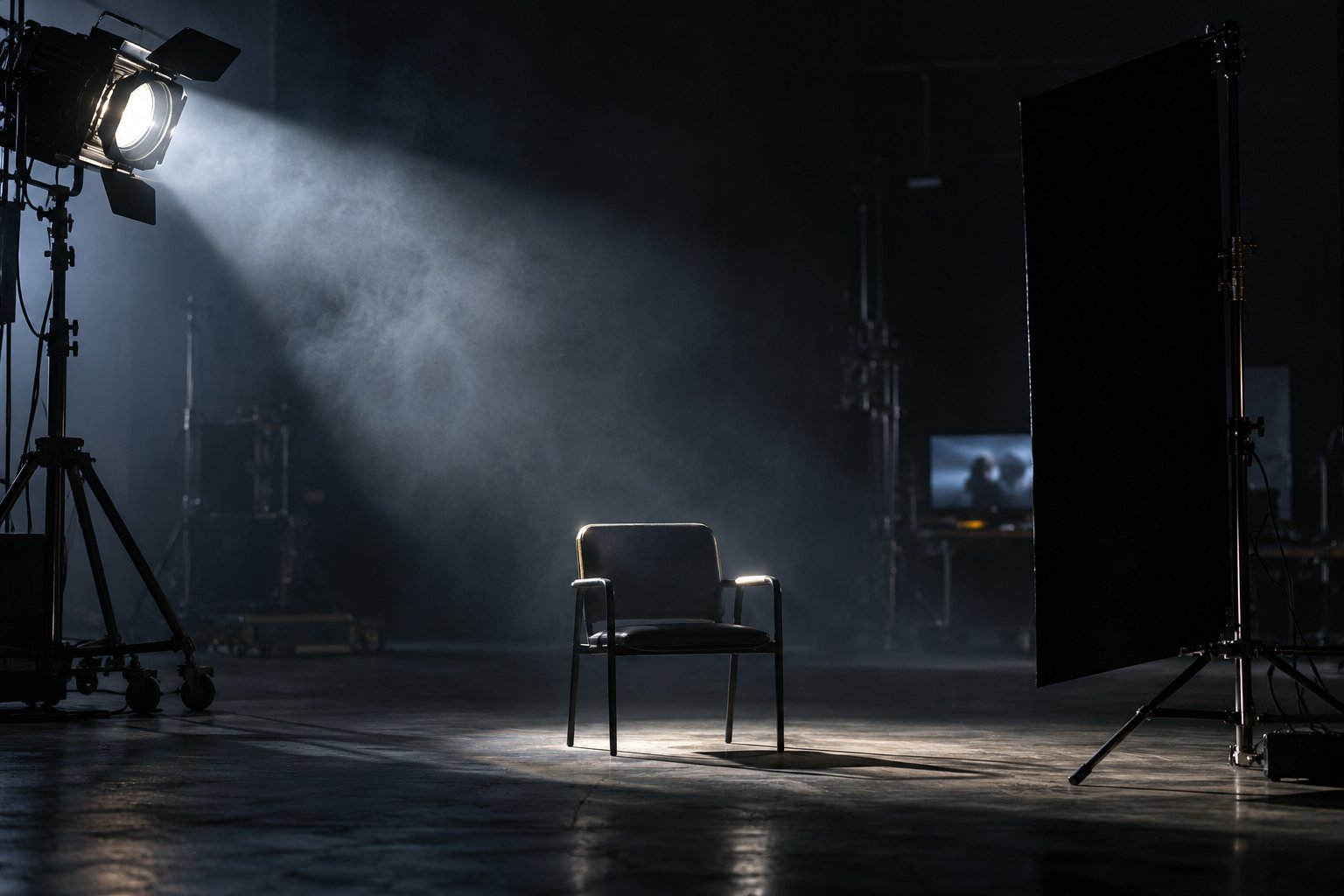
Dark studio with light smoke; a side spotlight forms a beam of light and a black flag cuts the light on the other side of an empty chair.

In this lesson you will

  1. 1Give every light a source the audience believes
  2. 2Use the direction and quality of light to shape the character
  3. 3Take light away to gain depth
  4. 4Lock palette and atmosphere into a look card

Goal: decide the source, direction, quality, temperature and atmosphere of your scene's light and write the look card that goes into every prompt.

01The five light decisions

In this order. Click each one.

Click each block in the diagram to see what it does.

Terms like high-key, low-key, backlighting and volumetric lighting appear in Google's official video prompt guide.

02How to decide the look

During the batch, the lit-up bakery is the only light on the street.

1. Take light away before you add it

Lighting everything makes the image flat: everything visible, nothing felt. Good cinema is also deciding where the light doesn't reach.

On a set, the black flag that blocks light is called negative fill. In a prompt, ask for shadow with words: low-key, deep shadows, one side of the face in the dark.

03Templates to copy

The look card and the lighting phrase in the format of the English prompts.

look.txt (template)
Source: <where the main and secondary light come from>
Direction: <front, side or backlight, and from which side>
Quality: <hard or soft, and where>
Temperature: <warm, cool or neutral, and where each one appears>
Contrast: <high or low; high-key or low-key>
Palette: <3 or 4 dominant colors>
Atmosphere: <fog, steam, dust, rain or clear air>
Lighting phrase for the prompt (English)
Lighting: <fonte> from the <lado>, <soft ou hard> light, <warm ou cool> tones, <low-key ou high-key>, <atmosfera, ex.: steam visible in the light beam>. Color palette: <cores>.

04Check your look card

The page asks for the seven fields and checks that you named the quality (hard or soft) and the temperature (warm, cool or neutral).

look.txt

05Practice

The light of your scene, decided before any prompt.

Look · your scene's card

15 min

Fill in your scene's look card: a named source, direction, quality, temperature, contrast, a palette of 3 or 4 colors, and atmosphere. Check it and download the look.txt into your project folder.

Done when: the page answers OK: look card with 7 fields for your text, and the look.txt is in the project folder.

Line · the look in one prompt line

5 min

With the "Light line for the prompt" template, write your scene's light line in English and paste it at the end of the look.txt.

Done when: the look.txt ends with a line that starts with Lighting: and names the source, the side, and soft or hard.

06Quick quiz

Four questions. The explanation shows up after each answer.

Question 1 of 4

Why does "beautiful, cinematic lighting" in a prompt usually come out flat?

07To keep

Source and sideEvery light has a believable source and comes from one side. Say both.
Shadow countsTaking light away creates depth. Hard means tension; soft means warmth.
Fixed lookPalette and atmosphere on the look card, the same in every prompt of the scene.

Going further

Previous lessonNext lesson