The open path: ComfyUI with LTX and Wan 2.2, VRAM and license
An open model runs on your machine, with no credit per generation and no need for a platform to stay online. In return, it asks for a graphics card with memory, free disk space and a read of the license. This lesson helps you decide whether your machine can run it and which model and template to use in ComfyUI.
2How much VRAM and disk each model needs, per the official documentation
3Apache 2.0, community license and non-commercial: the difference
4The official Wan 2.2 and LTX-2.5 templates
Goal: decide whether your machine can run open video, pick a model and license, and record the official template you will use.
01 · From computer to open clip
Five decisions, in this order. Click each one.
Click each block in the diagram to see what it does.
If your machine can't run it, nothing is lost: the same still, the same prompt and the same list work for a closed generator.
02 · ComfyUI, models and licenses
Numbers from the official documentation, checked on 10/19/2026.
1. What ComfyUI is
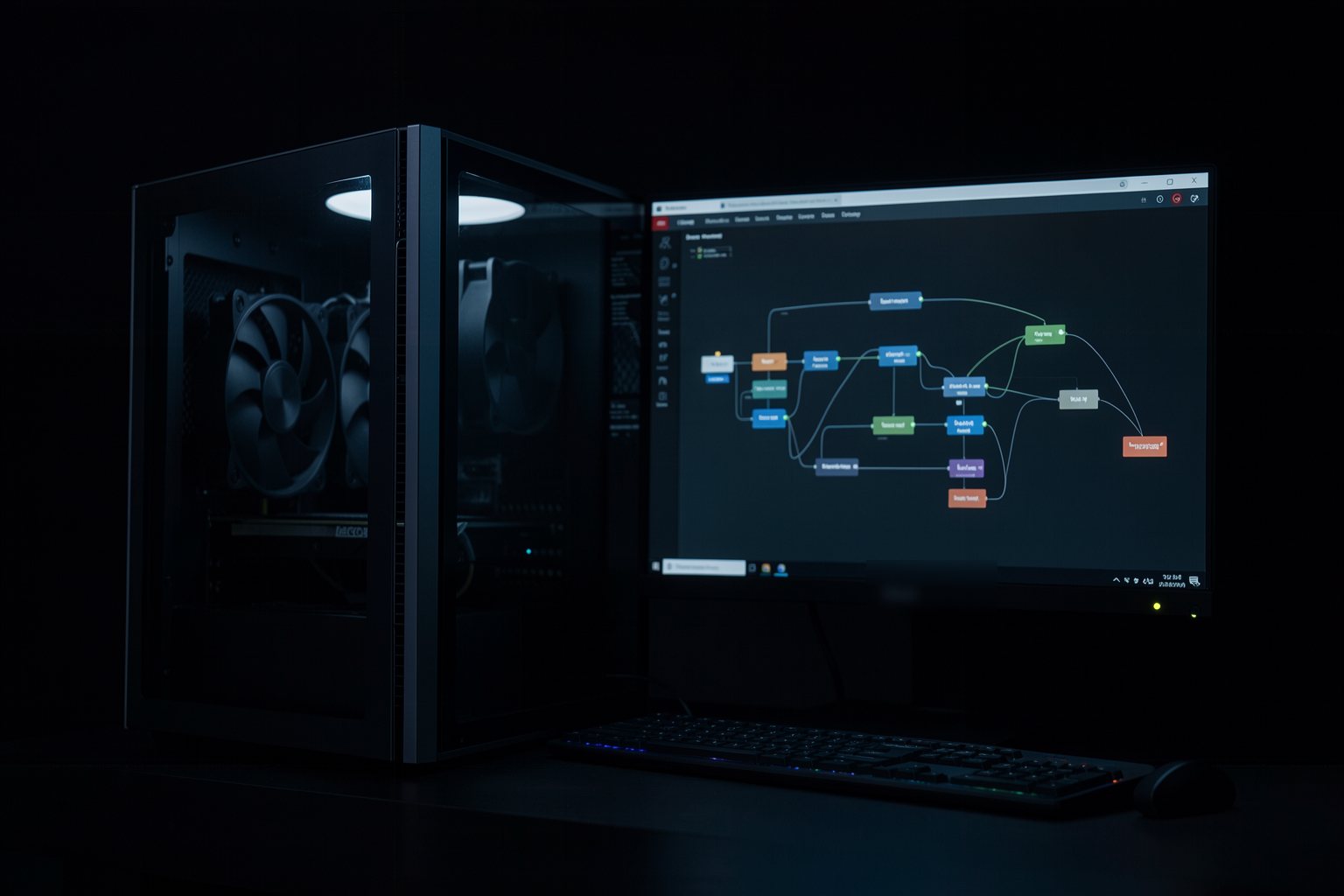
A free program, with a window, that builds the generation as boxes connected by lines (nodes): load model, write prompt, load image, generate, save. Each box does one thing.
You don't have to build it from scratch: the official templates come ready, and the download-models button fetches the files that are missing.
2. How much your machine can handle
Wan 2.2 5B (text and image to video): fits in 8 GB of VRAM with ComfyUI's memory offloading, according to the ComfyUI documentation. The 14B has image-to-video and first and last frame templates.
LTX-2.5: the documentation asks for a CUDA-compatible card, 32 GB or more of VRAM and 100 GB free; there are smaller files (INT8) for cards with less memory.
Sourcesdocs.comfy.org (Wan 2.2) and docs.ltx.io (ComfyUI with LTX), checked on 10/19/2026.
3. Read the license
Apache 2.0 (Wan 2.2, FLUX.2 [klein] 4B): commercial use allowed. LTX-2.x community license: commercial use free below US$ 10 million in revenue per year; above that, a paid license; passing on fine-tunes may require a paid license.
Non-commercial (FLUX.2 [klein] 9B): research and personal use. INEMA content is free, but your work may not be: check before you start.
4. Templates and the LTX notice
The LTX-2.5 templates come with a "prompt enhancer" (Prompt Enhance) turned on by default, which rewrites your text before generating. To use exactly the prompt from lesson 2, turn this option off.
The LTX-2.5 first and last frame template skips the upscaling step; the text and image-to-video ones use two steps.
Sourcedocs.ltx.io, "Using ComfyUI with LTX" (checked on 10/19/2026).
03 · Template to copy
The sheet for your machine, which the page checks.
maquina.txt (template)
GPU: <your graphics card, or "none compatible">
VRAM: <the card's dedicated memory, in GB>
Free disk: <free GB on the disk where ComfyUI will go>
Model: <Wan 2.2 5B, Wan 2.2 14B, LTX-2.5... or "none, I stay with closed">
License: <Apache 2.0, LTX-2.x community license, non-commercial>
Template: <name of the official template you will open>
Use: <what you will generate on open and what stays on closed>
04 · Check your machine sheet
Paste the maquina.txt (or load the file). The page checks the seven fields and whether the license was cited.
maquina.txt
05 · Optional: check in the terminal
Only for people who already use a terminal. Download the course from GitHub and run it in its folder: the rules are the same as the page. For your own file, replace --exemplo with its name (maquina.txt); it exits 0 when it passes.
$ python3 conferir.py aberto --exemplo; echo "saída: $?"
OK: ficha da máquina com 7 campos
saída: 0
$ python3 conferir.py aberto --errado; echo "saída: $?"
Ainda não. O que falta:
 - Falta a linha VRAM: com a descrição (pelo menos 2 letras).
 - Falta a linha Disco livre: com a descrição (pelo menos 2 letras).
 - Falta a linha Template: com a descrição (pelo menos 2 letras).
 - Falta citar o tipo de licença (Apache 2.0, comunitária ou não comercial).
saída: 1
06 · Practice
Without a compatible card, practice 1 still counts the same: recording "none" is also a decision.
Sheet · your machine and the model
15 min
Find out your machine's VRAM and free disk space. Pick the model that fits (or "none, I'm staying with closed"), read its license, and note the official template. Paste the maquina.txt into "Check your machine sheet" and download the file.
Done when: the page replies OK: machine sheet with 7 fields and the maquina.txt is in the project folder.
Optional · a clip in the open
45 min
If your machine can run it: install ComfyUI, open the image-to-video template for the model you chose, load a still from lesson 3, and use the motion prompt from lesson 4. Save it in 16:9 and check it in lesson 4.
Done when: the checker from lesson 4 replies OK: [s] s · [w]×[h] · 16:9 for the clip generated in ComfyUI.
07 · Quick quiz
Four questions. The explanation shows up after each answer.
Question 1 of 4
Your card has 8 GB of VRAM. According to the official documentation, which video model from the lesson fits?
Correct
The ComfyUI documentation says Wan 2.2 5B fits in 8 GB with offloading. The LTX one asks for 32 GB or more for the standard setup.
Not that one
The ComfyUI documentation says Wan 2.2 5B fits in 8 GB with offloading. The LTX one asks for 32 GB or more for the standard setup.Review: ComfyUI, models and licenses
Question 2 of 4
What does the LTX-2.x community license allow?
Correct
Below US$ 10 million a year, commercial use is free; above that, a paid license. It's different from Apache 2.0 (no cap) and from non-commercial (no paid work).
Not that one
Below US$ 10 million a year, commercial use is free; above that, a paid license. It's different from Apache 2.0 (no cap) and from non-commercial (no paid work).Review: ComfyUI, models and licenses
Question 3 of 4
In the LTX-2.5 template, the video came out different from your prompt. What should you check first?
Correct
The official templates come with the prompt enhancer turned on by default, and it rewrites your text. Turn it off to use the prompt from lesson 2 as is.
Not that one
The official templates come with the prompt enhancer turned on by default, and it rewrites your text. Turn it off to use the prompt from lesson 2 as is.Review: ComfyUI, models and licenses
Question 4 of 4
Your machine has no compatible card. What happens to the course work?
Correct
Everything you did is in portable files. The open path is an option, not a requirement; recording "none" on the sheet is also a decision.
Not that one
Everything you did is in portable files. The open path is an option, not a requirement; recording "none" on the sheet is also a decision.Review: From computer to open clip
Quiz complete
You got {a} of {n} right. If you get them all right, the lesson is marked as complete.
Pick an answer. The explanation appears after you try.
08 · To keep
VRAM decidesWan 2.2 5B in 8 GB with offloading; LTX-2.5 asks for 32 GB or more and 100 GB of disk.
License readApache 2.0, community with a revenue cap, or non-commercial.
Official templateStart with the ready-made one; in LTX, turn off the prompt enhancer so you can use your own.