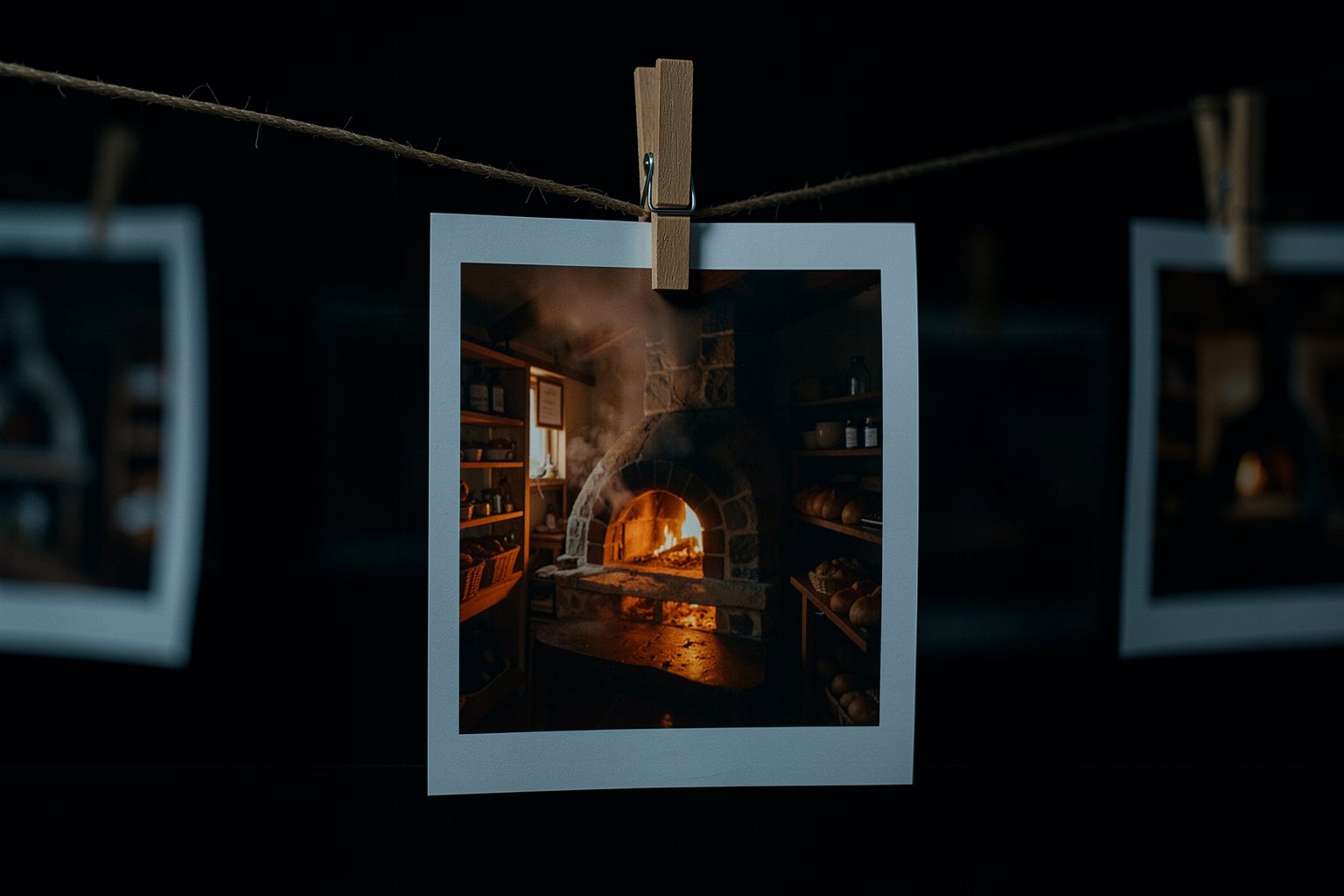
Before you animate, get the picture right. An image takes seconds, so you can test the look many times and take only the approved frame into video. The lookbook keeps the recipe for that look in a base prompt that goes into every still of the scene unchanged.
2The ingredients of a look, described without a director's name
3A base prompt that repeats in every still
4Image generators in Oct 2026, closed and open
Goal: build the scene's lookbook and generate the stills for the key shots before any video, using the same base prompt.
01 · From storyboard to approved frame
Five steps, in this order. Click each one.
Click each block in the diagram to see what it does.
If the look changes from one still to another, the problem is in the base prompt, not in the generator: adjust the recipe and generate again.
02 · Lookbook and image generators
The example follows "The first batch".
1. Why the image comes first
Getting the look wrong in a video costs a whole generation. In an image, you change the light, the lens, and the palette in minutes and compare them side by side.
The approved frame is the anchor of the scene: it carries the character, the place, the palette, and the light. Everything that comes after inherits from it.
2. The ingredients of the look
Palette (two or three dominant colors), lens (wide-angle, normal, or tele), light (from the look card in course 0), texture (film grain, contrast), and aspect ratio of the frame.
Describe the ingredient, don't name a director or a film: "in the style of so-and-so" imitates a real person's work and changes depending on how the generator understands the name.
Batch looknight blue on the street, tile white, orange only in the fire; 35 mm; low-key with side light from the oven; fine grain; 16:9
3. Base prompt
Put the ingredients together in one line that goes into every still the same way. Leave a marked space for what changes from shot to shot: the subject and the action.
If the generator accepts a style reference image, use the first approved still as the reference for the others (lesson 5 goes deeper).
4. Image generators (Oct/2026)
Open: FLUX.2 [klein] (Jan/2026). The 4B is Apache 2.0 and runs on about 8 GB of VRAM; the 9B has a non-commercial license. It generates, edits, and accepts multiple reference images, according to the official repository.
Closed: Midjourney V8.1 came out on 04/30/2026, according to its documentation. GPT Image 2 and Nano Banana Pro are cited by third-party sites as strong in 2026, with no official confirmation checked here.
SourceOfficial FLUX.2 repository on GitHub (checked on 10/19/2026).
03 · Templates to copy
The lookbook that the page checks and the request for the AI assistant to build the base prompt.
lookbook.txt (template)
Palette: <2 or 3 dominant colors and where they appear>
Lens: <wide-angle, 35 mm, 50 mm, tele; shallow or deep focus>
Light: <your look card from course 0>
Texture: <grain, contrast, sharpness>
Aspect ratio: <16:9, 9:16, 2.39:1...>
Base prompt: <everything above in one line, with [SUBJECT AND ACTION] in place of what changes>
Key shots: <numbers of the shots that become stills>
Request to the AI assistant (base prompt)
You are a cinematographer. With the look card and the character sheet below, write a cinematic image base prompt, in one line, to repeat in every still of the scene.
Rules:
- describe palette, lens, light, texture, and aspect ratio with concrete words;
- do not name a director, film, photographer, or brand;
- leave the [SUBJECT AND ACTION] placeholder where what changes from shot to shot goes.
Look card:
<paste the look.txt here>
Character sheet:
<paste the ficha.txt here>
04 · Check your lookbook
Paste the lookbook.txt (or upload the file). Test first with the two examples.
lookbook.txt
05 · Optional: check in the terminal
Only for people who already use a terminal. Download the course from GitHub and run it in its folder: the rules are the same as on the page. For your own file, swap --exemplo for its name (lookbook.txt); it exits 0 when it passes.
$ python3 conferir.py imagem-chave --errado; echo "saída: $?"
Ainda não. O que falta:
 - Falta a linha Textura: com a descrição (pelo menos 3 letras).
 - Falta a linha Proporção: com a descrição (pelo menos 3 letras).
 - Falta a linha Planos-chave: com a descrição (pelo menos 3 letras).
 - Falta citar a proporção do quadro (ex.: 16:9).
saída: 1
06 · Practice
Use the look.txt and the ficha.txt from course 0, or the first-batch recipe, as a starting point.
Lookbook · the recipe for your scene
20 min
Fill in the lookbook.txt using the template, with no director, film, or brand names. Pick three key shots from your shot list. Paste it into "Check your lookbook" and download the file to the project folder.
Done when: the page answers OK: lookbook with 7 fields and the lookbook.txt is in the project folder.
Stills · three key shots
30 min
In whatever image generator you have (open or closed), generate the three key shots with the same base prompt, changing only the [SUBJECT AND ACTION]. Save the approved one for each with the shot number: plano-01, plano-04, plano-08.
Done when: the project folder has the three image files with the shot number in the name, and the prompt for each one starts with the same Base prompt from the lookbook.txt.
07 · Quick quiz
Four questions. The explanation shows up after each answer.
Question 1 of 4
Why generate the key image before the video?
Correct
An image takes seconds: you can make mistakes and fix light, lens, and palette several times. The approved frame carries the look and, in lesson 4, becomes the first frame of the video. Video from text also exists, and it also has audio.
Not that one
An image takes seconds: you can make mistakes and fix light, lens, and palette several times. The approved frame carries the look and, in lesson 4, becomes the first frame of the video. Video from text also exists, and it also has audio.Review: Lookbook and image generators
Question 2 of 4
Which line describes a look without depending on a person's name?
Correct
A described ingredient works in any generator and doesn't imitate anyone's work. A director's or film's name depends on how each generator understands the name, and it copies a signature that isn't yours.
Not that one
A described ingredient works in any generator and doesn't imitate anyone's work. A director's or film's name depends on how each generator understands the name, and it copies a signature that isn't yours.Review: Lookbook and image generators
Question 3 of 4
The three stills came out with different colors. Where do you tweak first?
Correct
If the base prompt is identical and concrete, the look tends to repeat. A vague palette ("warm") lets each generation pick for itself. Color correction in post exists (course 2), but it won't save a still with different light.
Not that one
If the base prompt is identical and concrete, the look tends to repeat. A vague palette ("warm") lets each generation pick for itself. Color correction in post exists (course 2), but it won't save a still with different light.Review: From storyboard to approved frame
Question 4 of 4
You want to generate stills on your own machine and use them in paid work. Which option from the lesson fits?
Correct
In the klein family, the 4B is Apache 2.0 and the 9B has a non-commercial license. "Open" says the weights are available, not what you're allowed to do with them: read each one's license.
Not that one
In the klein family, the 4B is Apache 2.0 and the 9B has a non-commercial license. "Open" says the weights are available, not what you're allowed to do with them: read each one's license.Review: Lookbook and image generators
Quiz complete
You got {a} of {n} right. If you get them all right, the lesson is marked as complete.
Pick an answer. The explanation appears after you try.
08 · To keep
Photo before filmNail the look on the still; the approved one becomes the first frame of the video.
Ingredients, not namesPalette, lens, light, texture and aspect ratio, with no director or film named.
One base promptSame in every still; only the subject and the action change.