

Claude Code · Codex · agents

Claude has changed. 15 commands to master

Models have become good enough to do without many long instructions. The game has changed: provide the right context, let the agent work, and require proof that it finished.

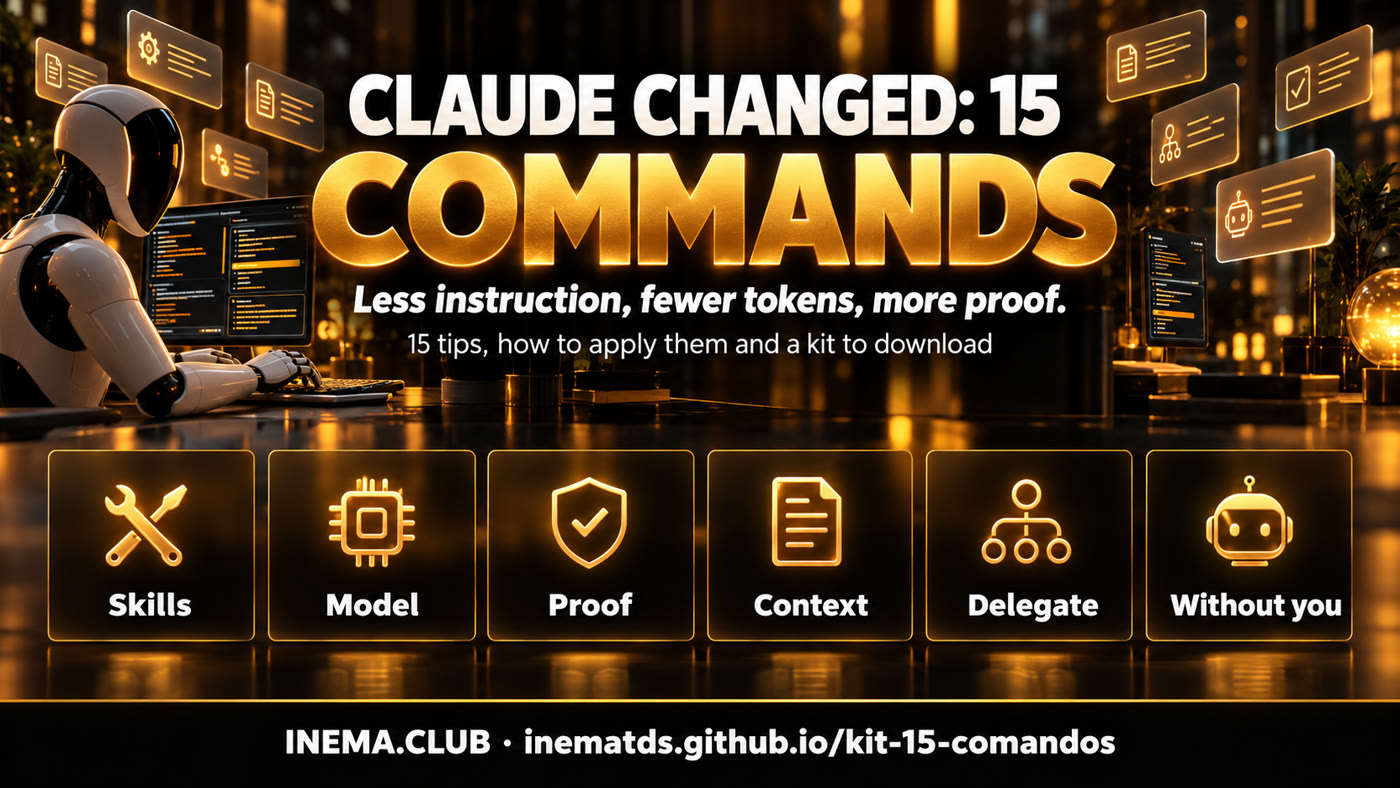
Banner: black-visored humanoid robot working at a bench with fifteen glowing cards
In brief

This is a free guide for Claude Code users (and almost everything applies to Codex and other agents). It covers 15 changes across five layers: skills, model and settings, plan and proof, context and delegation, and work running without you. For each one, you’ll see what changed, how to implement it with the exact command, and what the INEMA community already has on the topic. At the end, there’s a kit to download with ready-to-use templates, plus a list of upcoming kits we plan to create.

The thesis

From detailed prompts to context, execution, and proof

We used to write three hundred lines teaching the agent how to work. Now it already knows. What it doesn’t know is your context, and no one can guarantee it finished unless you ask for proof.

Grid banner: skills, model, proof, context, delegation, without you

🧭 Context

Give the agent only what it can’t figure out on its own: your business, your rules, and where things are. Keep it in small files that are called when needed.

⚙️ Execution

Let the agent work, delegate, and continue. Defaults have improved; changing everything usually makes things worse.

✅ Verification

“I’m done” is not proof. Require a passing test, a generated file, and a verifier that checks before allowing the agent to stop.

The 15 tips

Five layers, fifteen changes

Each tip has three parts: what changed, how to implement it, and what already exists at INEMA. The badge tells you whether we checked the command in our installation or you should check it in yours.

Black-visored robot facing a huge closed manual and, beside it, a single small card with three lines
Layer 1

Skills

A skill stops being a manual and becomes a list of corrections.

1

Smaller skills

confirmed in 2.1.303
short SKILL.md
What changed

The model already writes well, stays organized, and avoids robotic text without a recipe. A long skill repeats what it can already do and takes up context. It should store only what it gets wrong and knowledge only you have.

How to implement
  1. Do the task without any skill, in a clean session.
  2. Write down only what went wrong or differed from how you do it.
  3. The skill becomes this list: corrections, names, paths, and exceptions for your business.
  4. Review whenever you switch models: remove anything the model has learned to get right.
At INEMA

2

Evaluate with and without the skill

confirmed in 2.1.303
claude plugin eval --ablation with-without
What changed

A good skill improves the result. The comparison is simple: the same task with and without the skill. If it doesn’t help, trim it or delete it.

How to implement
  1. Write 3 to 5 real task cases and define what counts as a good result.
  2. Run the same task with and without the skill (the plugin eval already handles the “without” case).
  3. Compare the scores: if it lost or tied, cut lines; if it keeps tying, delete it.
  4. Keep the cases: they become the test for the next skill version.
At INEMA
3

Record the task and turn it into a skill

check your version
Record a skill (app desktop)
What changed

Instead of writing the skill, do the task once and let the agent observe. Since it records only what it couldn’t know on its own, the skill stays small.

How to implement
  1. In the desktop app, use skill recording and do the task as usual.
  2. Without the feature: do the task with the agent and, at the end, ask it to “list only what I had to correct.”
  3. Read the generated skill and remove anything obvious.
  4. Follow tip 2 before adopting it.
At INEMA
Panel with a single locked model selector and an effort button shifting from high to medium
Layer 2

Model and settings

Choose one model, stick with it, and use effort as your lever.

4

Switching models costs cache

confirmed in 2.1.303
/model
What changed

Each model keeps its own conversation cache. Switching midway makes the entire history get read again without a discount, and again when you switch back. A smaller model may also need more attempts: cheap per token doesn’t mean cheap per task.

How to implement
  1. Choose the model at the start of the work and stick with it.
  2. Easy question along the way? Ask for a “quick answer, without much thought” instead of switching.
  3. Need another model? Open a separate session for that task.
  4. Keep an eye on usage with /context and /usage.
At INEMA
5

Effort is your lever

confirmed in 2.1.303
claude --effort medium
What changed

Lower the effort instead of switching to a smaller model. High effort isn’t always better: the model may overthink and waste resources.

How to implement
  1. Use the default effort for most tasks.
  2. Simple, repetitive task: low effort.
  3. Increase it only when a hard problem gets stuck, then lower it again.
  4. For the whole session: claude --effort low|medium|high.
At INEMA
6

Advisor: use the stronger model only when needed

confirmed in 2.1.303
/advisor
What changed

A cheaper model does the work and consults a stronger one only for hard decisions: before choosing a direction, when the same error comes back, and before saying it’s done. Turning on advisor doesn’t break the session cache.

How to implement
  1. In a session using a medium model, turn on advisor with the stronger model.
  2. Let the agent decide when to consult it.
  3. Experimental feature: check whether it makes sense for your plan.
  4. With a subscription, sticking to one model is usually simplest.
At INEMA
7

Defaults have improved

confirmed in 2.1.303
/config
What changed

The model, effort, permissions, and compaction point are already tuned for each model. Changing everything “to improve it” usually makes it worse.

How to implement
  1. Start with the defaults.
  2. Change a setting only when something goes wrong, and write down why.
  3. Changed something? Measure before and after (tip 2 applies here too).
  4. Review what you changed months ago: you may not need it anymore.
At INEMA
Black-visored robot handing a box to an inspector who checks it with a magnifying glass and a green seal
Layer 3

Plan and proof

The plan is for you to approve. The proof means no one has to take your word for it.

8

The plan is for the human

confirmed in 2.1.303
Shift+Tab · --permission-mode plan
What changed

The model already plans well without plan mode. What still matters is a plan for you: define the goal, the limits, and what counts as done. Changing a plan costs much less than undoing a hundred lines.

How to implement
  1. Big or unclear task: ask the agent to interview you and save the plan in a file.
  2. Start building in a new session, after reading that file.
  3. Task that fits in a paragraph: skip the plan and write only the goal, completion criteria, and limits.
  4. Want to block edits until you approve? Plan mode can still help.
At INEMA
9

/goal needs proof

confirmed in 2.1.303
/goal <condição com prova>
What changed

/goal makes the agent continue until it meets a condition. But the checker reads only the conversation: it doesn’t open files or run tests. If the agent says “I’m done,” it believes it.

How to implement
  1. First, ask the agent for a check script with objective rules (e.g., checa.sh).
  2. Write the condition with proof: “checa.sh passes and you show the output.”
  3. Include what must not change and a limit on iterations.
  4. Example: /goal checa.sh passes and the output appears here; the model stays the same; stop after 15 iterations.
At INEMA
10

A hook that checks before stopping

check your version
hook Stop · type prompt | agent
What changed

A hook always runs at the right time, without relying on the model’s goodwill. Now a hook can be a prompt or an agent: when Claude tries to stop, another model reviews the work and says “yes” or “no, because…” The reason comes back as the next instruction.

How to implement
  1. Ask Claude itself: “add a Stop hook that checks X before allowing it to stop.”
  2. Prompt type: reads only the conversation, fast and cheap.
  3. Agent type: opens files and checks for real (experimental).
  4. Use it for rules that must not be broken: “never send an email to the customer, draft only.”
At INEMA
File cabinet with small drawers labeled with icons and a robot pulling out just one
Layer 4

Context and delegation

A large context window isn’t a good memory. Store information in files and delegate wisely.

11

Huge context loses details

confirmed in 2.1.303
/context · /clear · /compact
What changed

Having a million tokens of space doesn’t mean remembering everything. Retrieval tests show accuracy drops as context fills up. A bigger window gives details more room to get lost.

How to implement
  1. Store reusable context in small files in folders.
  2. In CLAUDE.md, add only pointers: “for X, read folder/x.md”.
  3. For long tasks: save a handoff, run /clear, and resume with /prime.
  4. Use /context to see what is taking up space.
At INEMA
12

Subagent or fork

confirmed in 2.1.303
subagente · fork
What changed

A subagent starts from scratch, receives only what you pass along, and returns only the result, keeping the main conversation clean. A fork is a copy of the conversation: it knows everything that was said and uses the same cache. Claude already chooses between them on its own.

How to implement
  1. Isolated task (generate an image, look up a fact): subagent.
  2. Parallel task that needs the full history: fork.
  3. Let Claude choose; ask for a fork only when you know it needs the history.
  4. Remember: a subagent may not read your CLAUDE.md. Include the rules in your request.
At INEMA
13

Workflows with multiple agents

confirmed in 2.1.303
/config → Dynamic workflow size
What changed

For serious research, Claude builds a workflow with multiple agents that search from different angles, cross-check sources, and discard unsupported claims before you see the result.

How to implement
  1. Use only when the task calls for it: research, comparison, cross-checking.
  2. First, in /config, set the workflow size to small (fewer than five agents).
  3. Define what counts as a good answer and which sources are acceptable.
  4. Check the cost after the first run.
At INEMA
Office at night with a closed laptop and robots working in a server room on a large wall screen
Layer 5

Running without you

With verification in place, work can run while your computer is off.

14

Routines triggered by an event

confirmed in 2.1.303
/schedule (ou /routines)
What changed

Routines run Claude in the cloud. Besides running on a schedule, they can start from a web request or a GitHub event, such as a new pull request. Any system that sends a request to the URL can trigger the agent.

How to implement
  1. Create the routine with a name, request, repository, and trigger.
  2. API trigger (check your version): you get a URL and a token. Store the token like a password.
  3. Keep only the connectors this routine uses.
  4. Add verification (tips 9 and 10) before letting it run on its own.
At INEMA
15

Cloud sessions

confirmed in 2.1.303
claude --cloud · claude --teleport
What changed

Each task gets a machine in the cloud. Start several, close your laptop, and they keep running. Later, bring the entire session back to your computer.

How to implement
  1. Start with claude --cloud "task description".
  2. Follow along in the browser or app.
  3. Bring it back with claude --teleport.
  4. Check whether your plan resumes the task automatically when your usage limit resets: if it does, the task will use the next window without asking.
At INEMA
Downloadable kit

15 Commands Kit

A .zip file with ready-to-copy templates: a correction-only skill, an evaluation guide with and without a skill, /goal with proof, a check script, a Stop hook, a handoff, context pointers, and a 15-command cheat sheet.

What’s in the kit

Three templates to copy now

Dica 9

/goal com prova

Paste into the session after creating checa.sh.

/goal o script ./checa.sh termina com código 0 e você cola a saída completa aqui; nada fora da pasta src/ foi alterado; pare depois de 15 voltas e diga o que faltou
Dica 1

Skill só de correções

The minimum structure for a useful skill.

---
name: relatorio-semanal
description: Relatório semanal de vendas da loja. Use quando pedirem o relatório da semana.
---

# Só o que o agente erra sem esta skill
- Os números vêm de dados/vendas.csv, nunca da memória.
- Semana = segunda a domingo (não domingo a sábado).
- Devolução entra como venda negativa, não some.
- Nomes de produto como estão na planilha, sem traduzir.
- Fecho sempre com 3 ações para a próxima semana.
Dica 10

Pedido do hook de Stop

Ask Claude itself to set up the hook.

Adicione um hook de Stop neste projeto. Quando você tentar parar, um verificador deve: (1) ler o docs/padrao.md, (2) ler o último arquivo em relatorios/, (3) responder se o relatório quebra alguma regra do padrão. Se quebrar, você continua corrigindo. Mostre o trecho do settings.json antes de gravar.
Other considerations

Before changing everything

🔎 Check your version

New features change names and leave experimental status. Run claude --help and /help before following a recipe. Each tip’s badge tells you what we checked here.

💳 Subscription × API

With a subscription, what matters is the usage limit; with the API, it’s the bill. Advisor and switching models make different sense in each case.

🧪 Experimental means experimental

Advisor and agent-type hooks may still change. Try them in a test project before using them in your main project.

🔐 A trigger is an open door

A routine’s URL and token trigger the agent. Treat them like a password, limit connectors, and set a spending cap.

📏 Measure, don’t assume

This applies to skills, settings, and this guide. Compare before and after using the same task.

🗂️ Context is still your responsibility

No new feature replaces knowing what the agent needs to read. Small folders and pointers are still the best investment.

Upcoming kits

Kits we could create

Ideas for the community, each connected to a project we already have. They’re not ready yet.

Lean Skill Kit

Runs each installed skill with and without it, shows the score, and suggests what to cut.

↳ Auditar Skills · Ablação

Proof of Completion Kit

Generates checa.sh from the request and builds a /goal with proof and an iteration limit.

↳ Execução Longa

Verified Handoff Kit

A hook that checks the handoff against the actual files before /clear.

↳ skillmanager3x · /prime

Stop Verifier Kit

A library of Stop hooks by type of work: report, code, post, video.

↳ cchooks · inema-mods

Smart Delegation Kit

Practical guidance for subagents, forks, and workflows, with agent and cost limits.

↳ OSWork · Arquiteto de Execução

Event-Triggered Agent Kit

A routine triggered by a webhook (new request, message, PR) for businesses.

↳ LOOP-R · agentes comerciais

Clean Settings Kit

Compares your settings with the defaults and lists changes without a clear reason.

↳ faxina-agentes

In the community

What INEMA already has on this

Free courses, guides, and kits that explore each layer in more depth.

Video

The 15 changes in video

The full explainer and a short reel to send to anyone still writing three-hundred-line prompts.

Explainer (16:9)

Download MP4 · YouTube

Reel (9:16)

Download MP4

Remember

Less instruction, more proof

Black-visored robot and a person facing a board with three icons: folder, gear, and verified badge
Skillonly what it gets wrong
Modelochoose one and stick with it
Provatest, file, verifier
Contextsmall files and pointers
Sem vocêonly after verification

Progress doesn’t mean giving the agent more autonomy. It means having it work with less instruction, use less context, and prove that it’s done.